Carousel looks
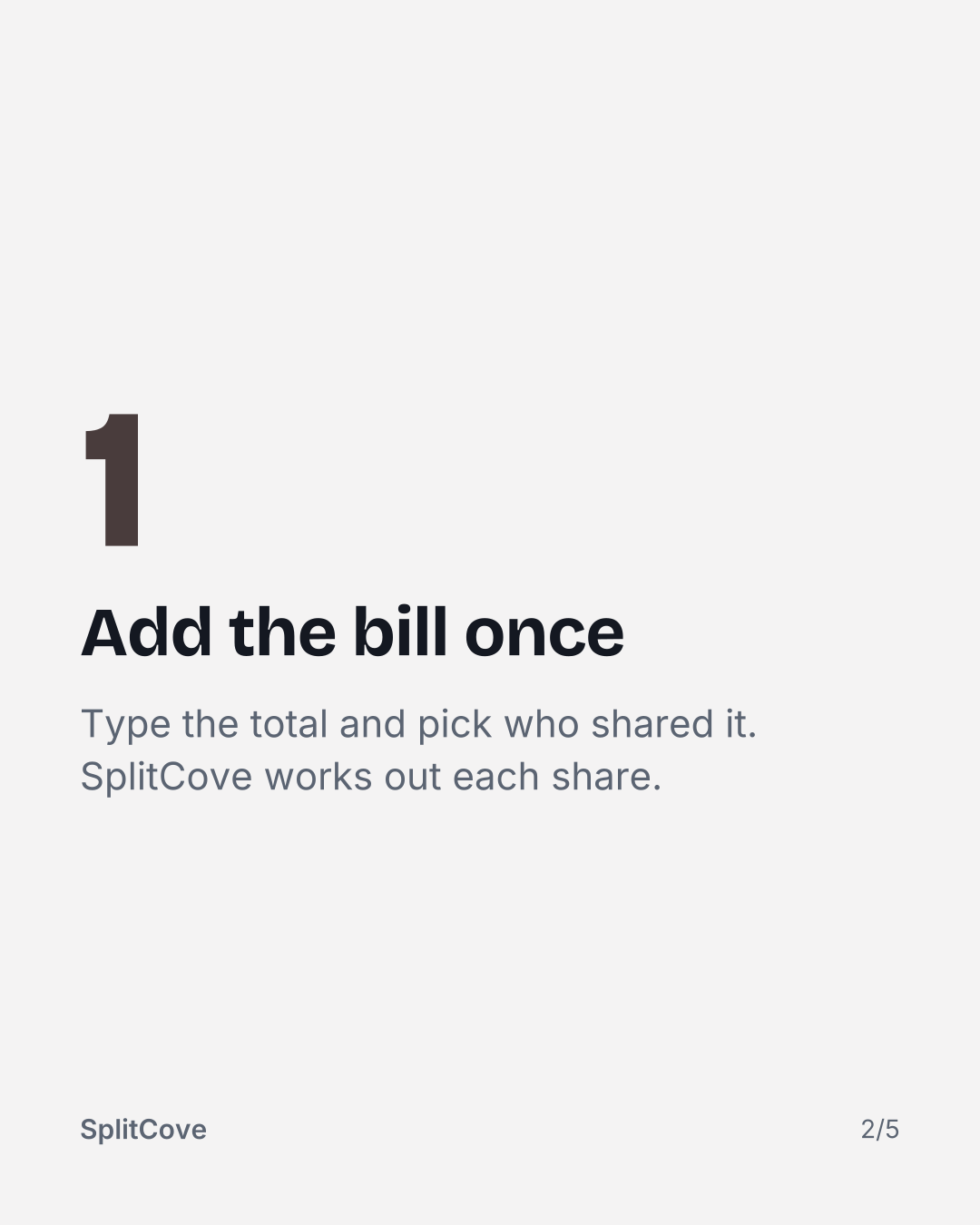
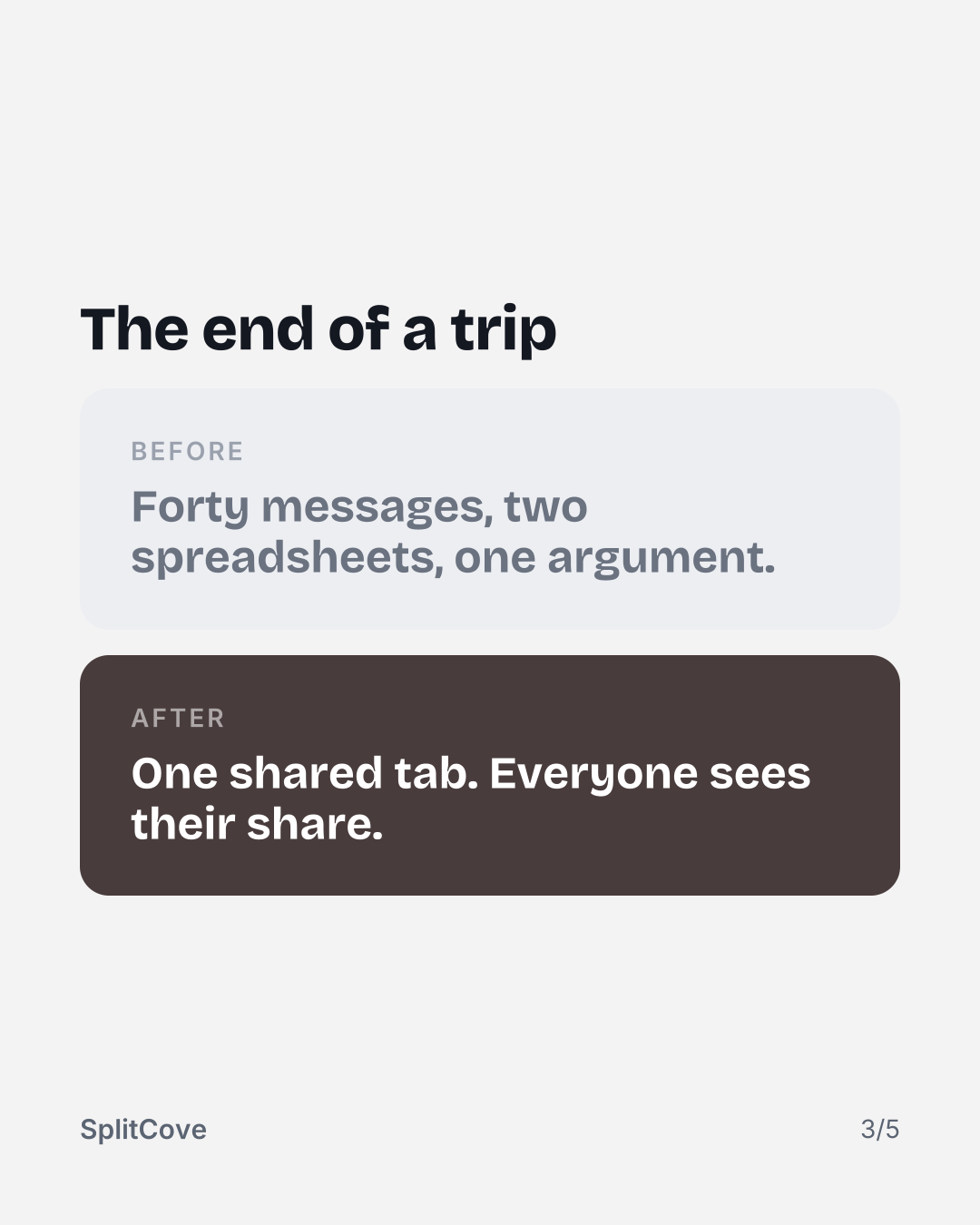
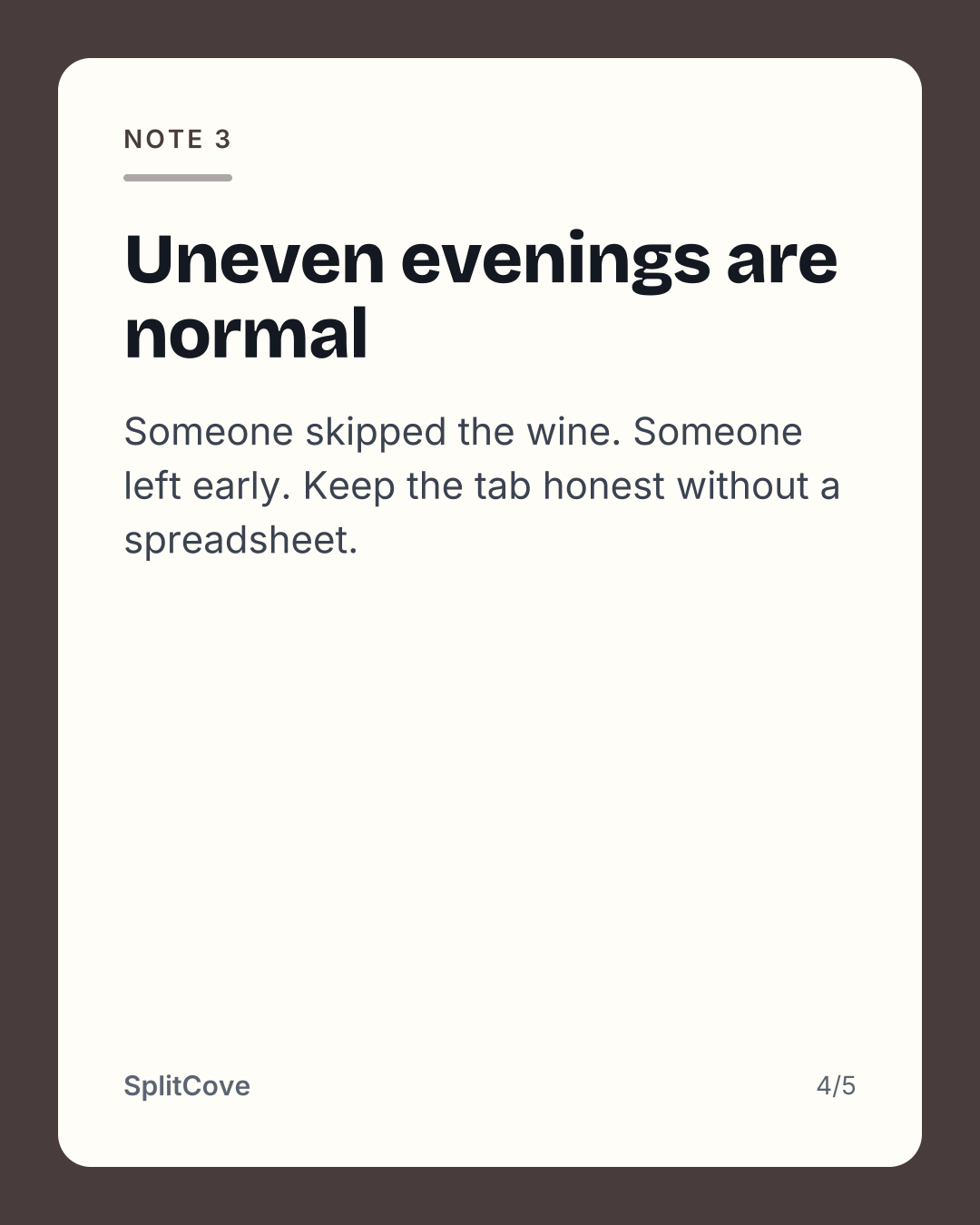
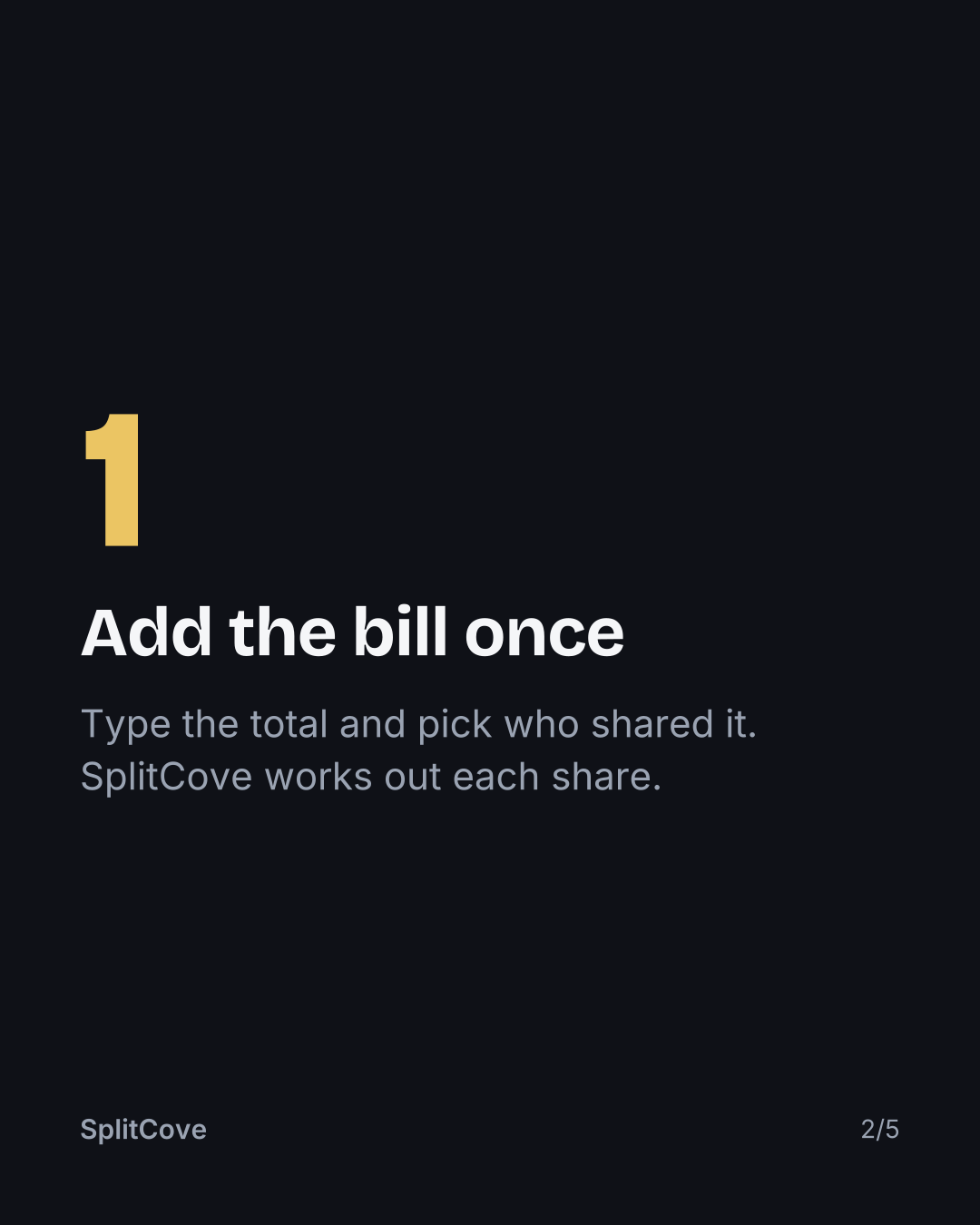
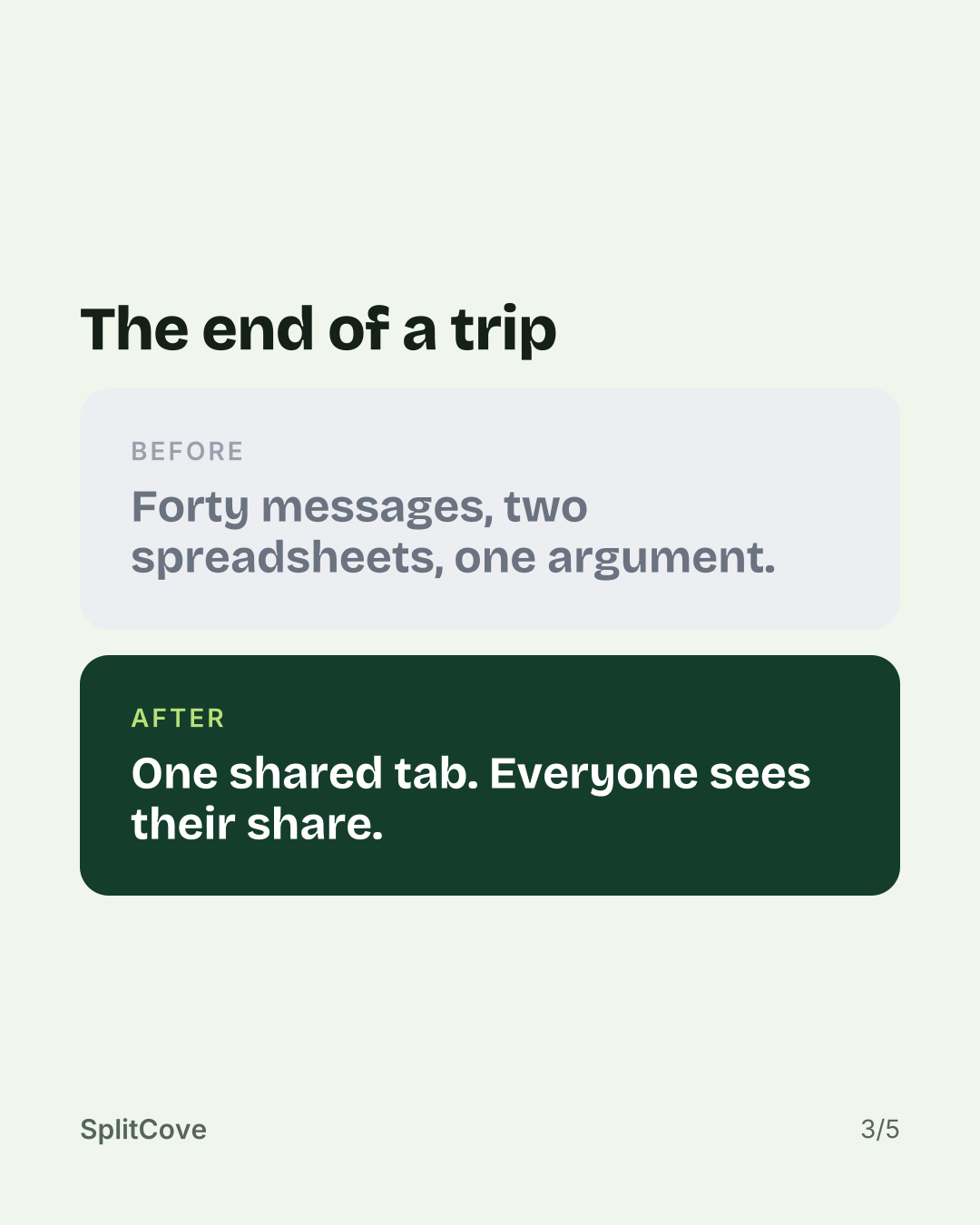
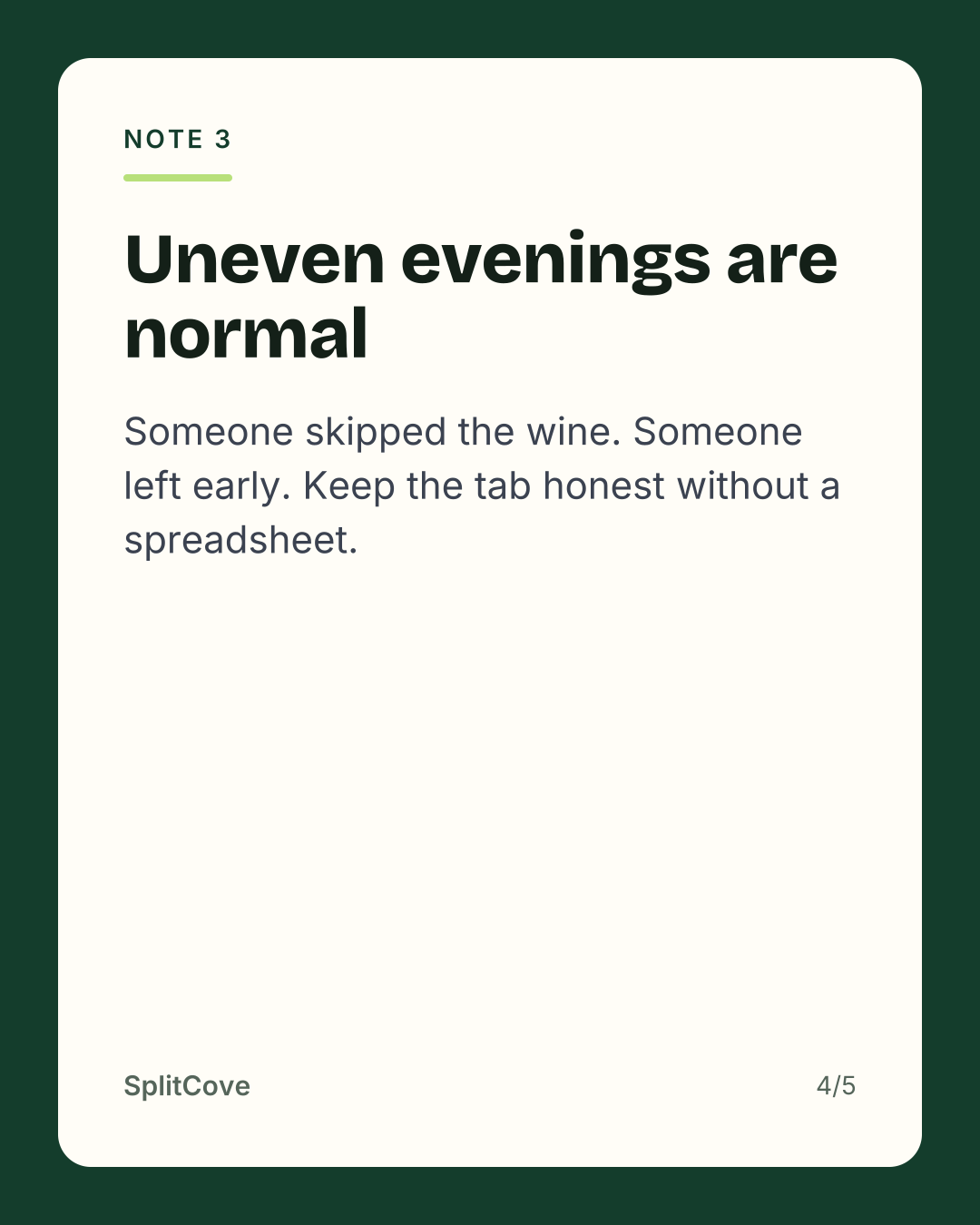
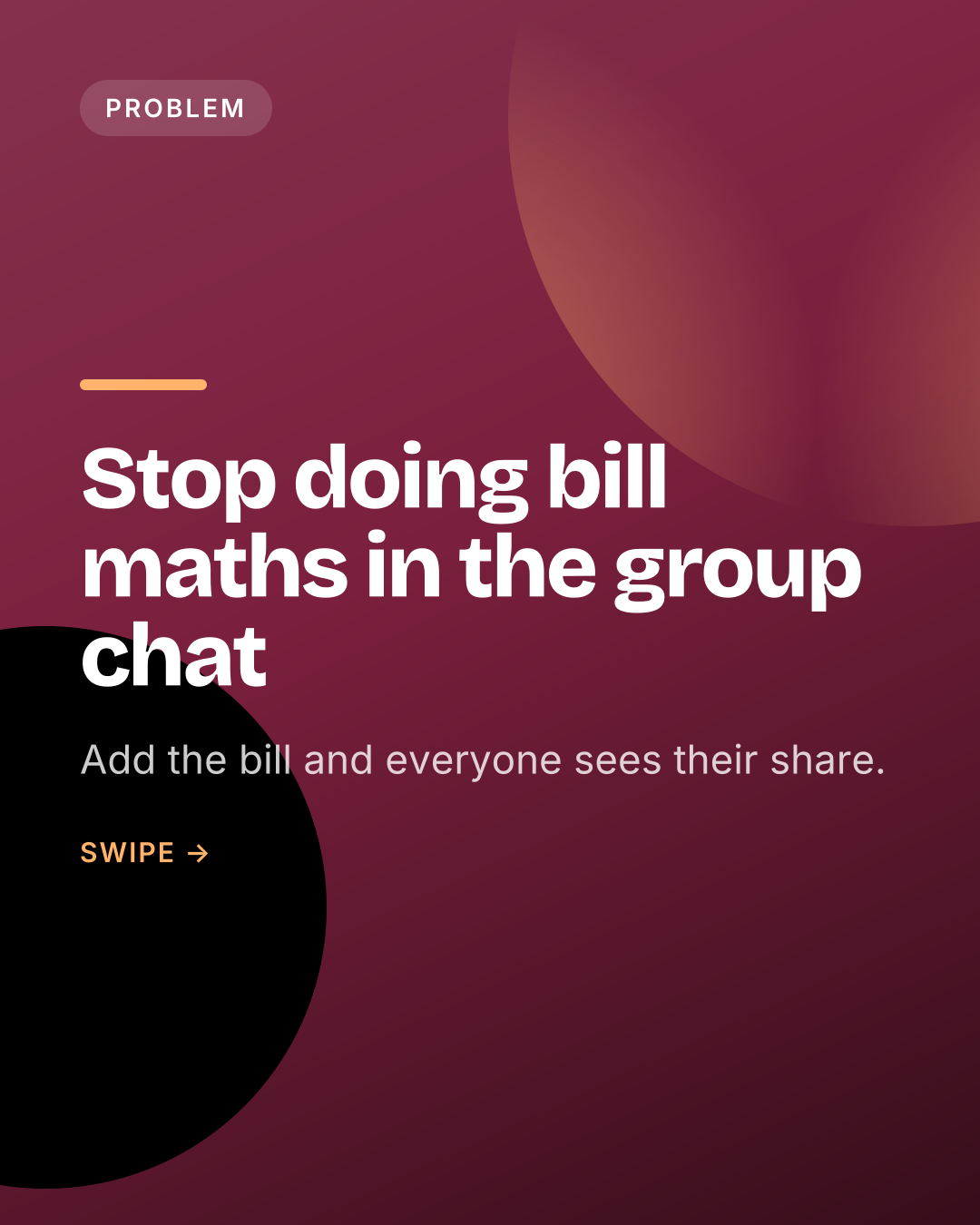
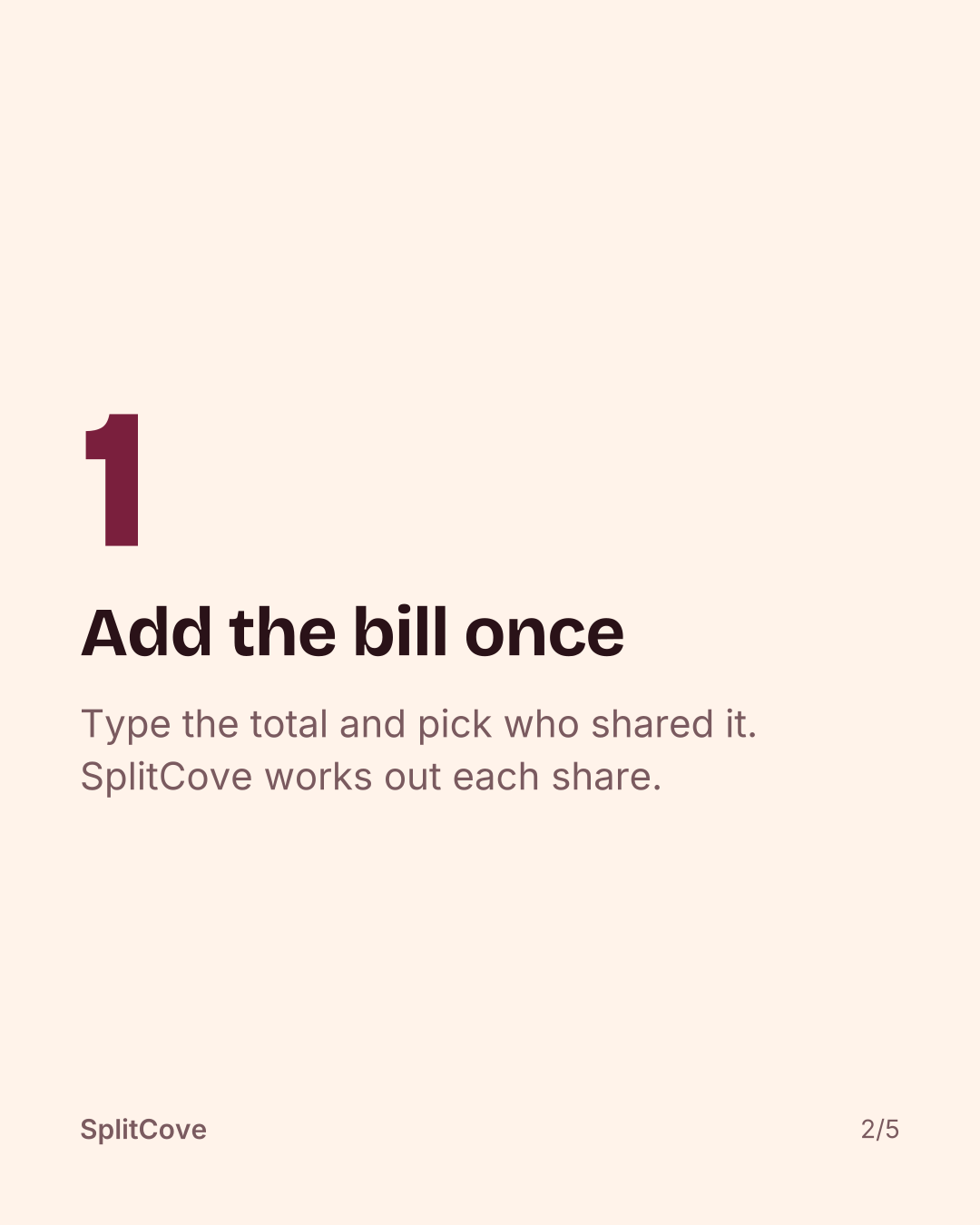
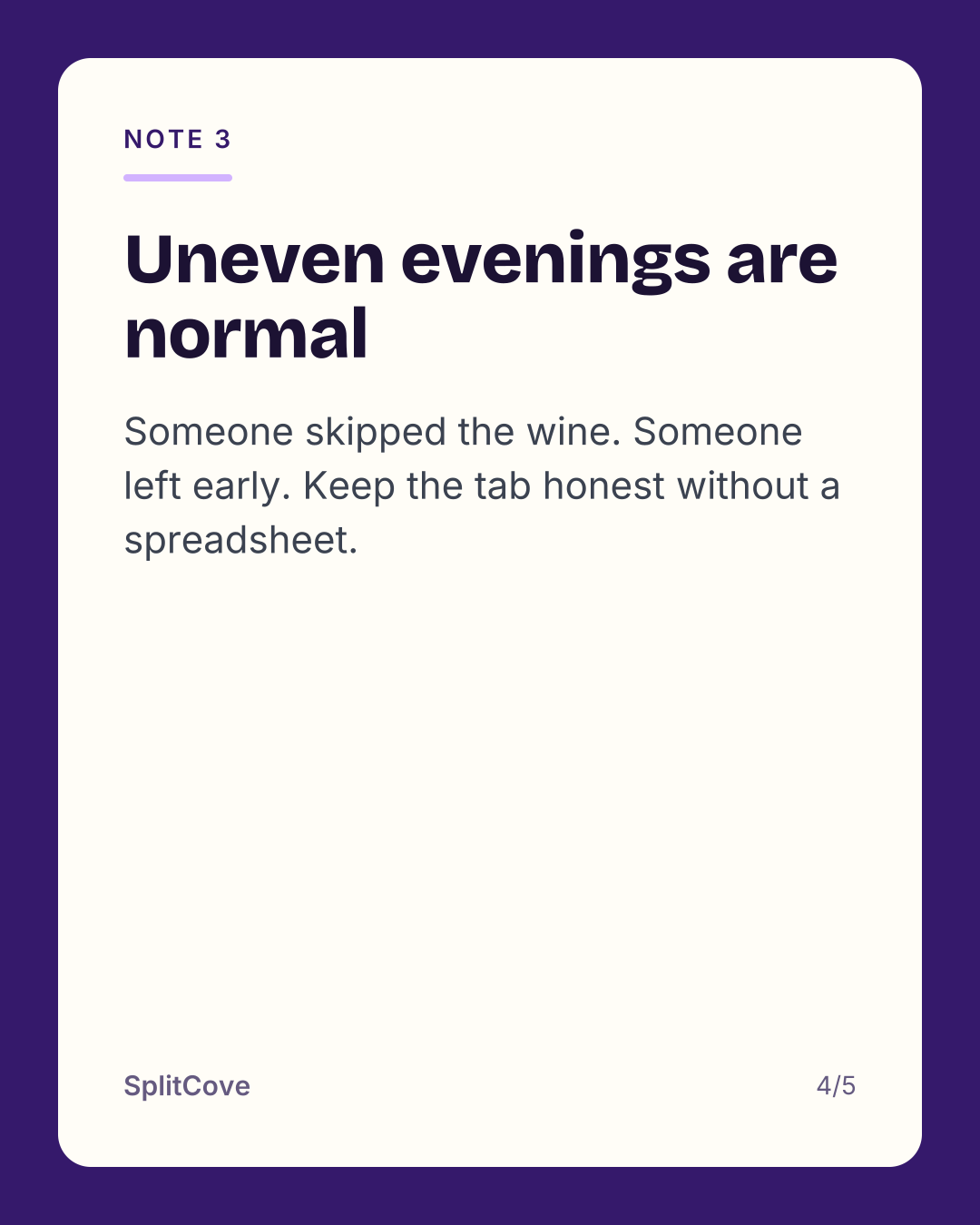
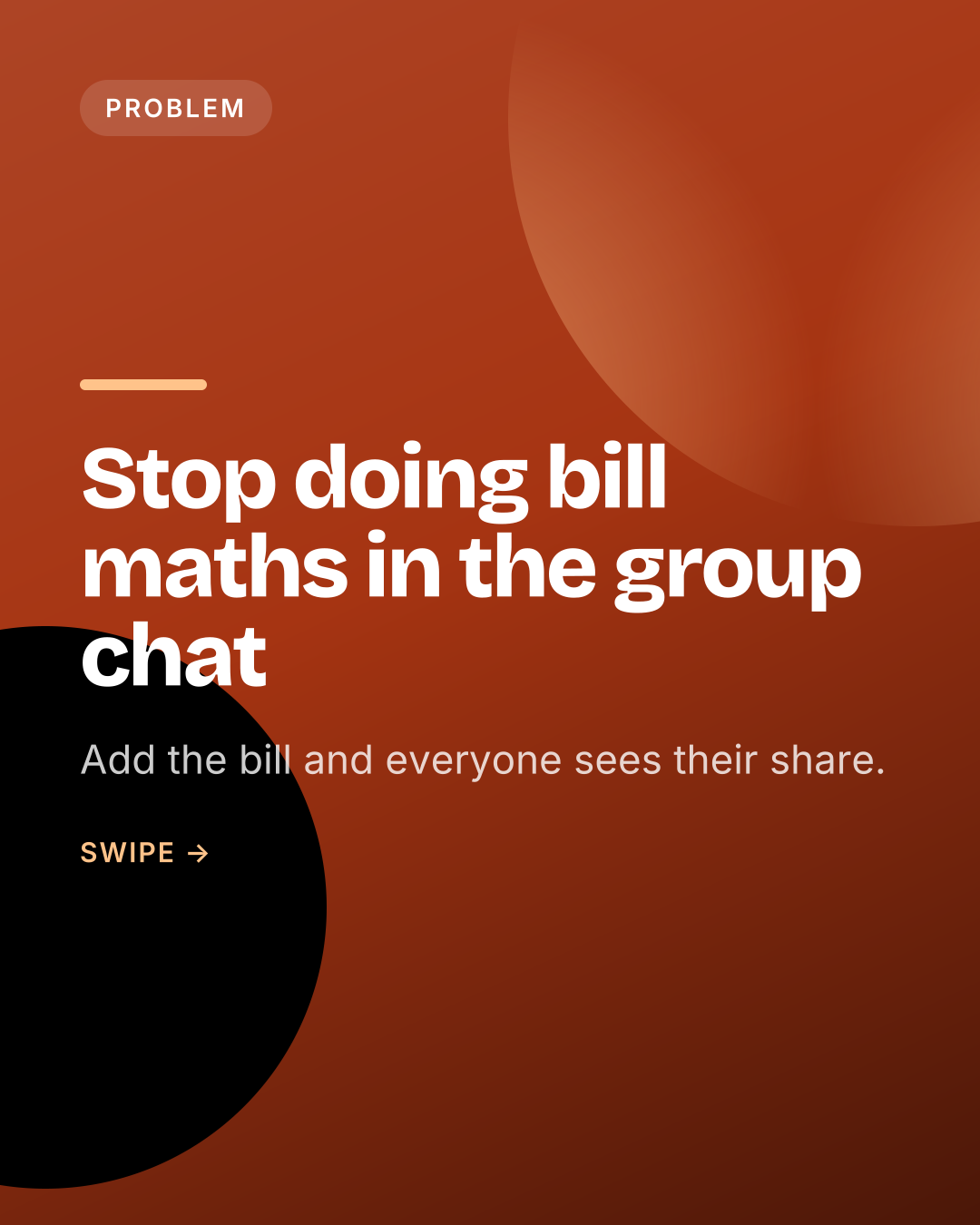
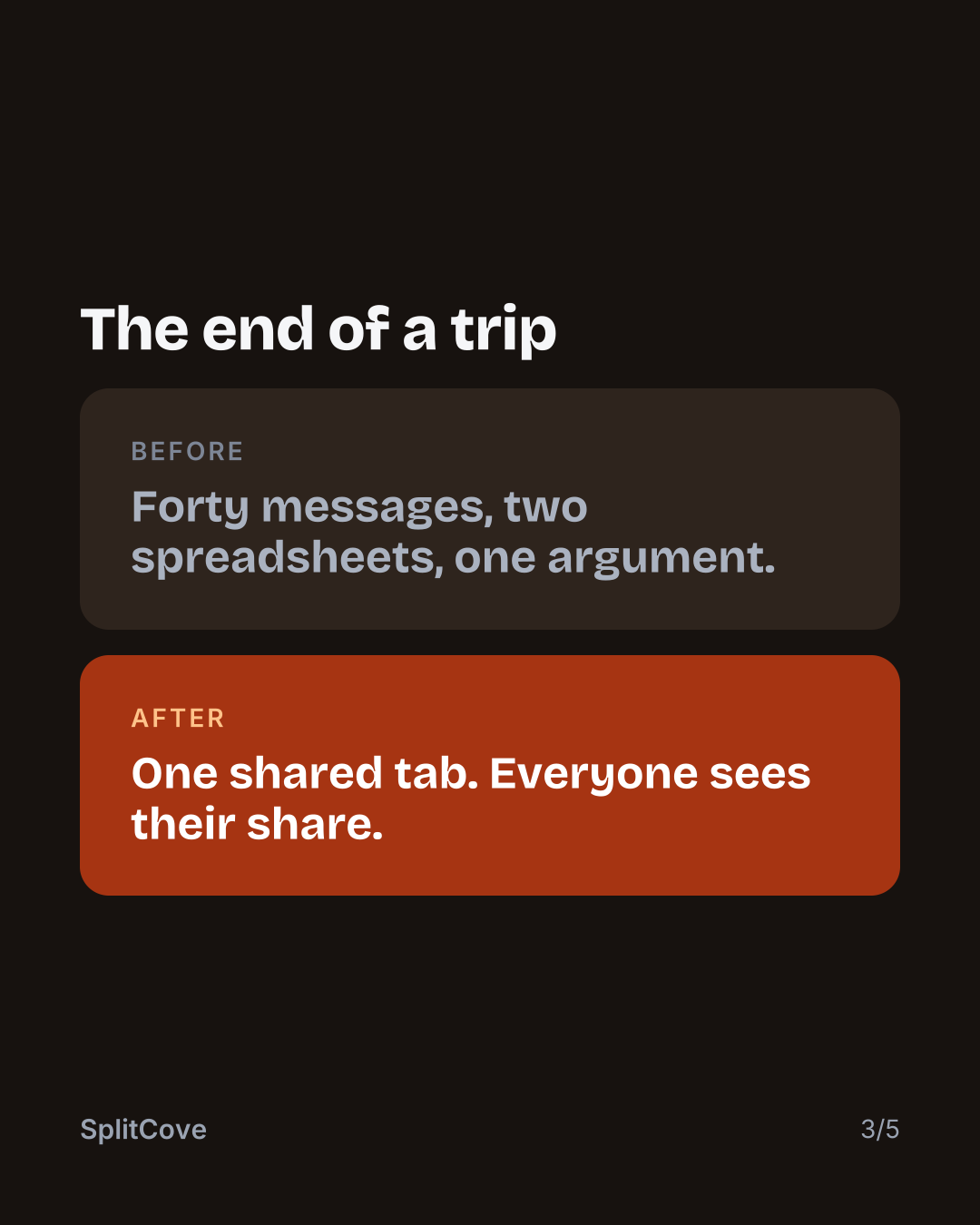
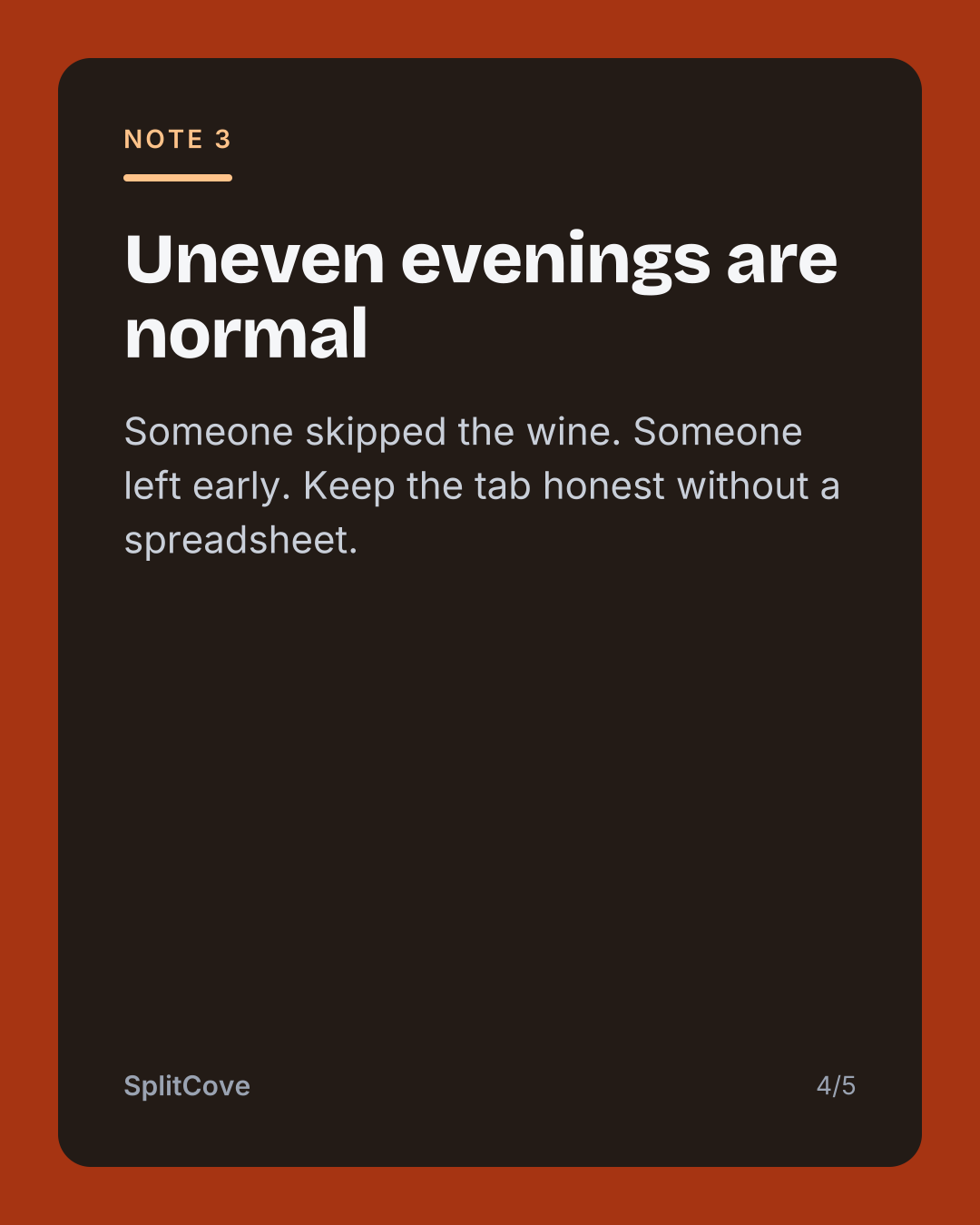
Every post HypeMyApp writes can be drawn in any of these. Five start from the colours in your own app icon. Five bring a palette of their own. Pick one in your brand kit and every slide follows.
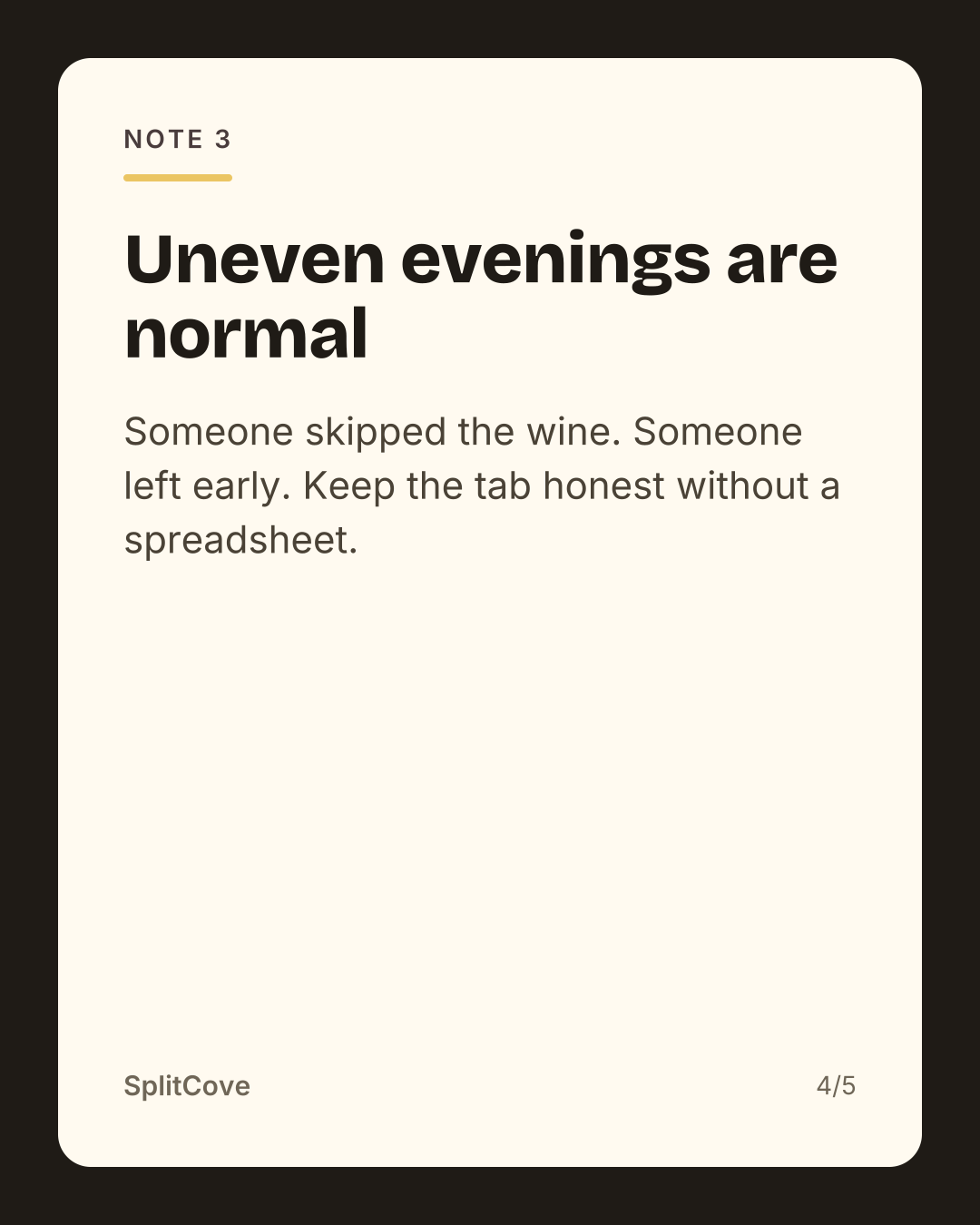
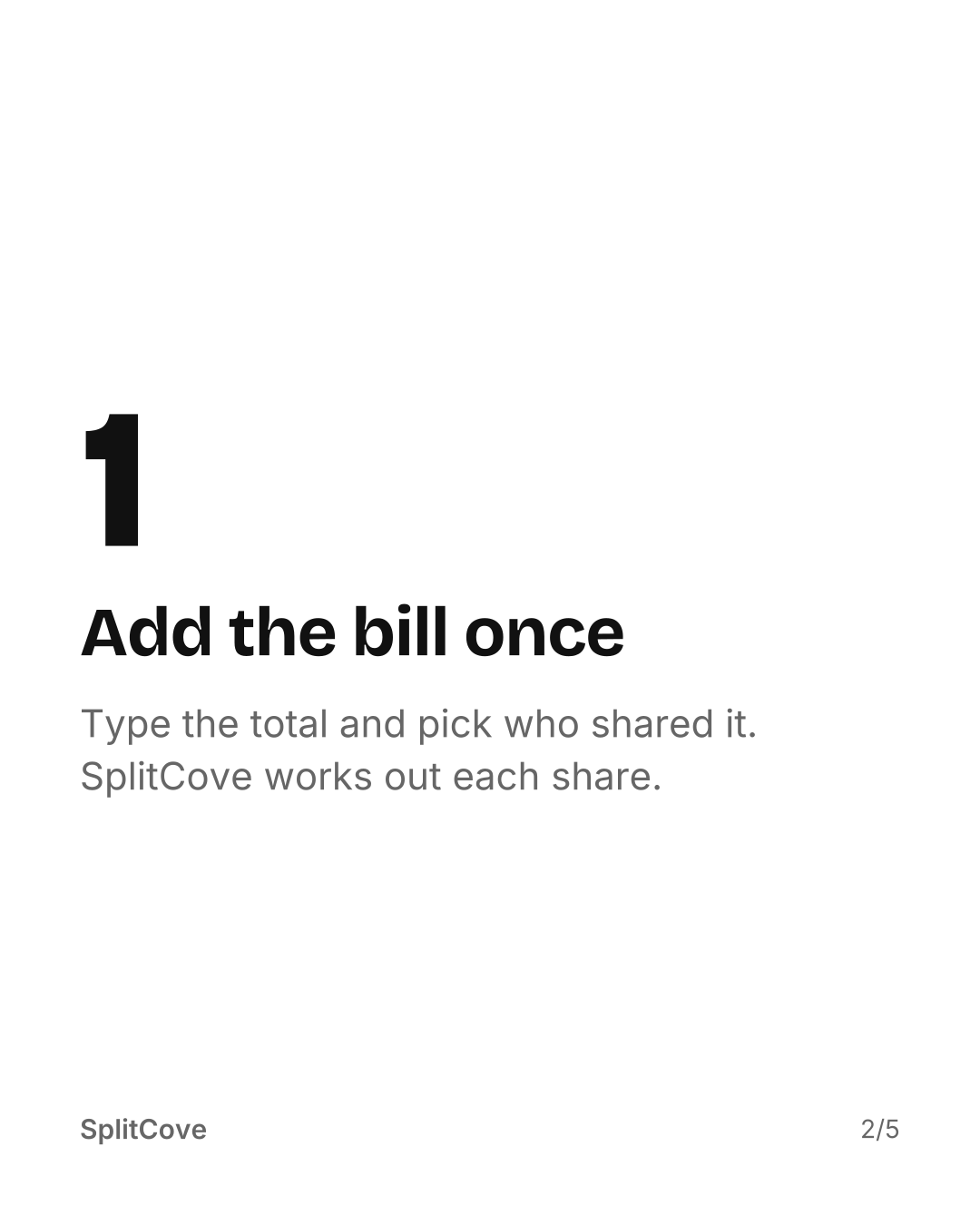
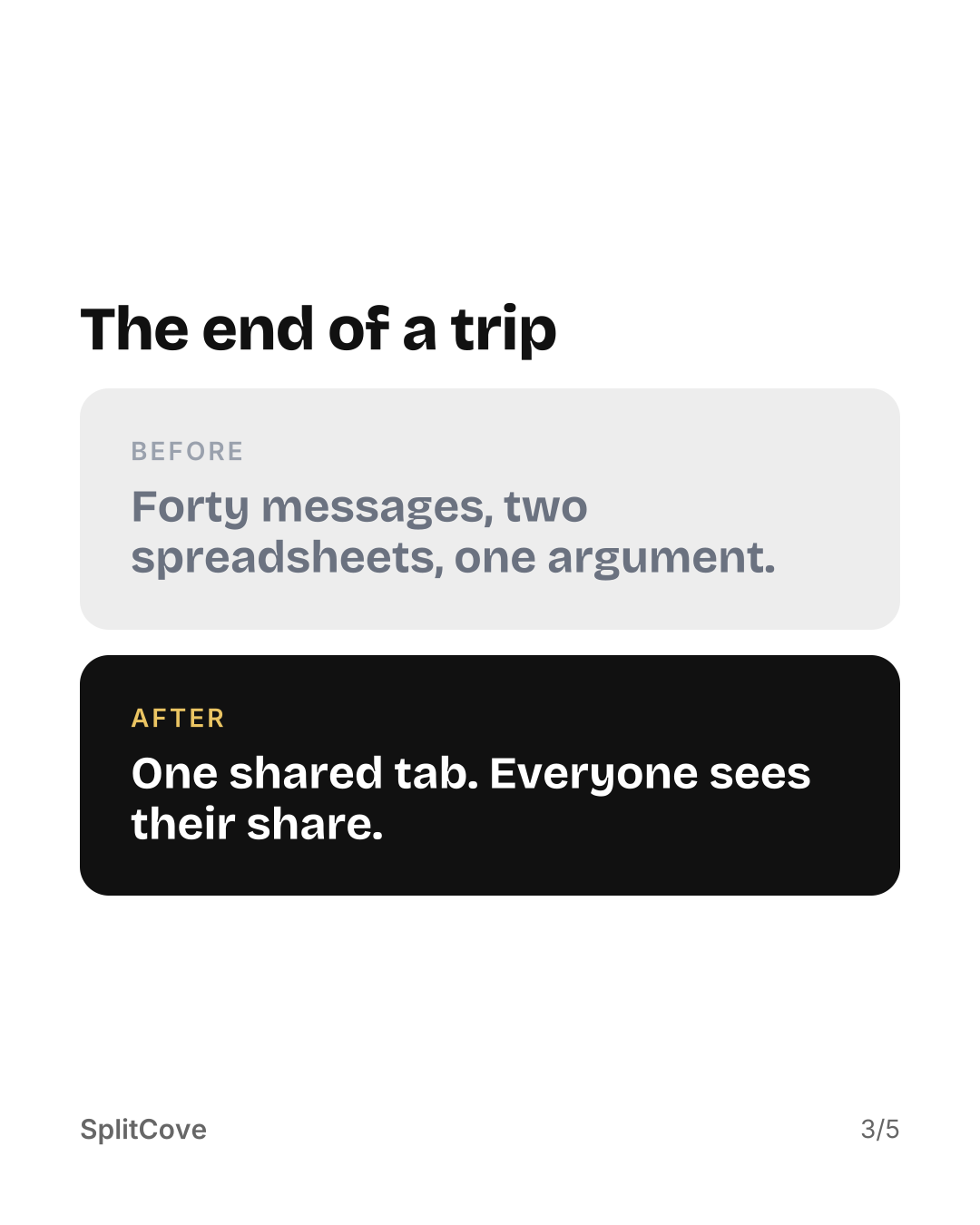
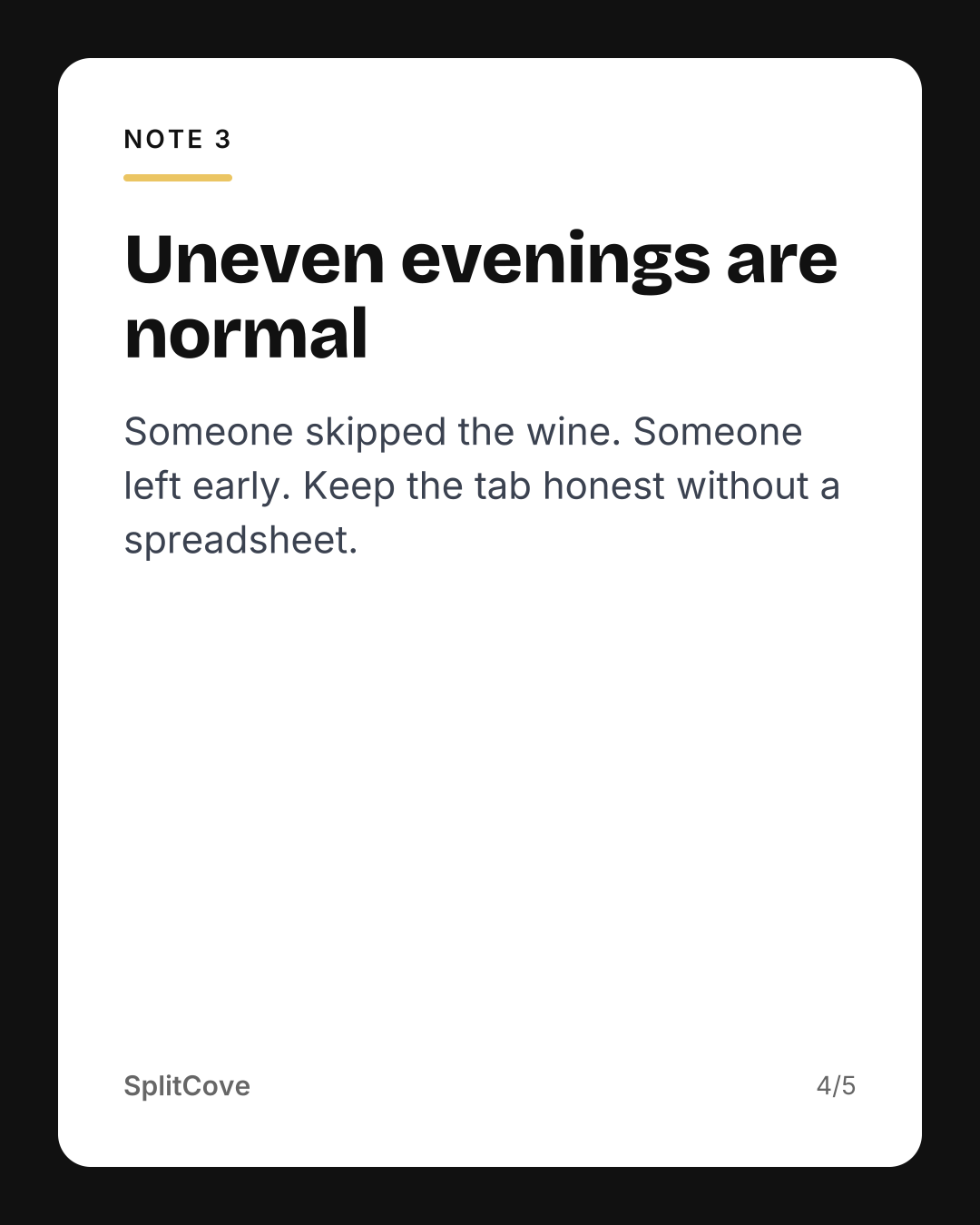
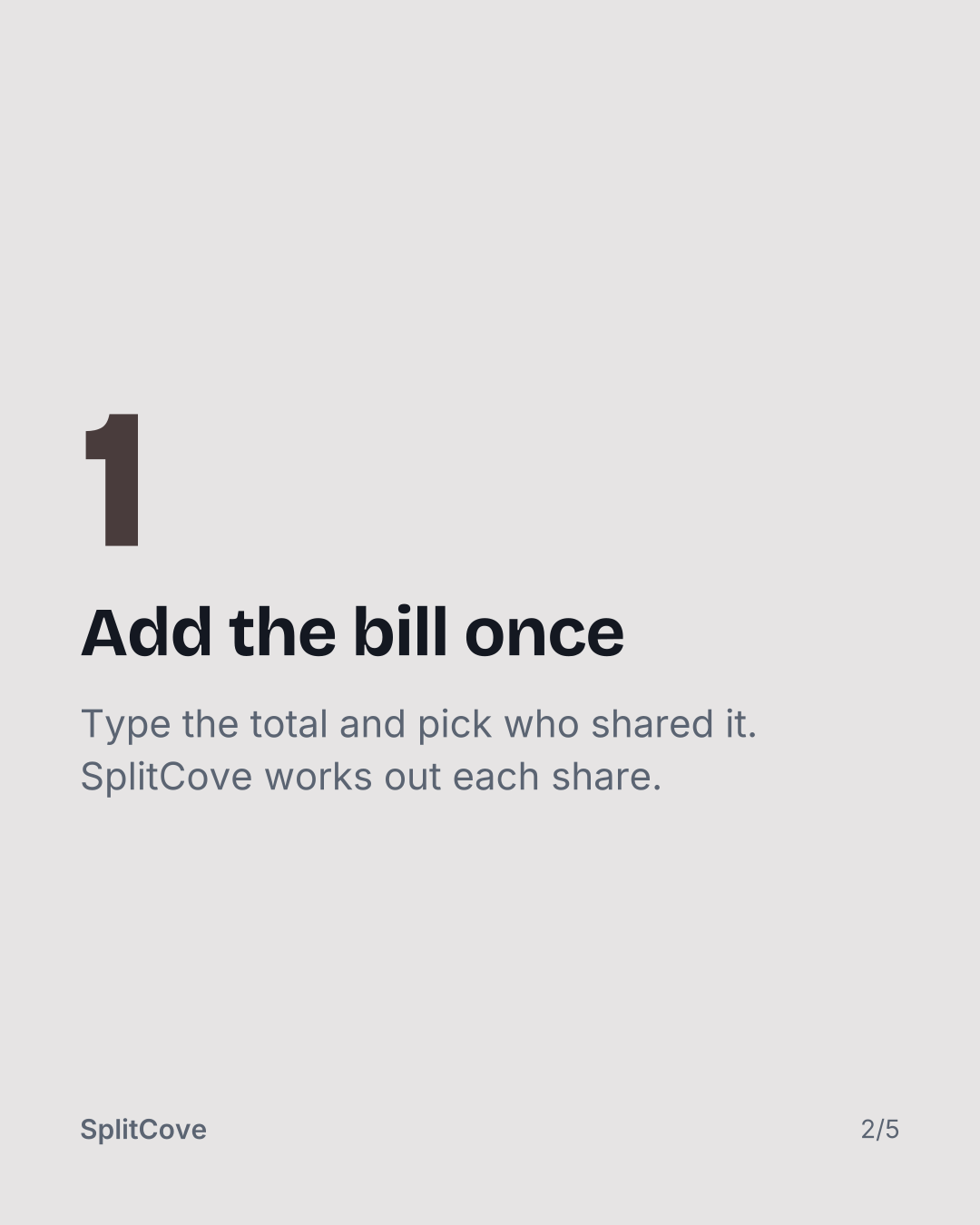
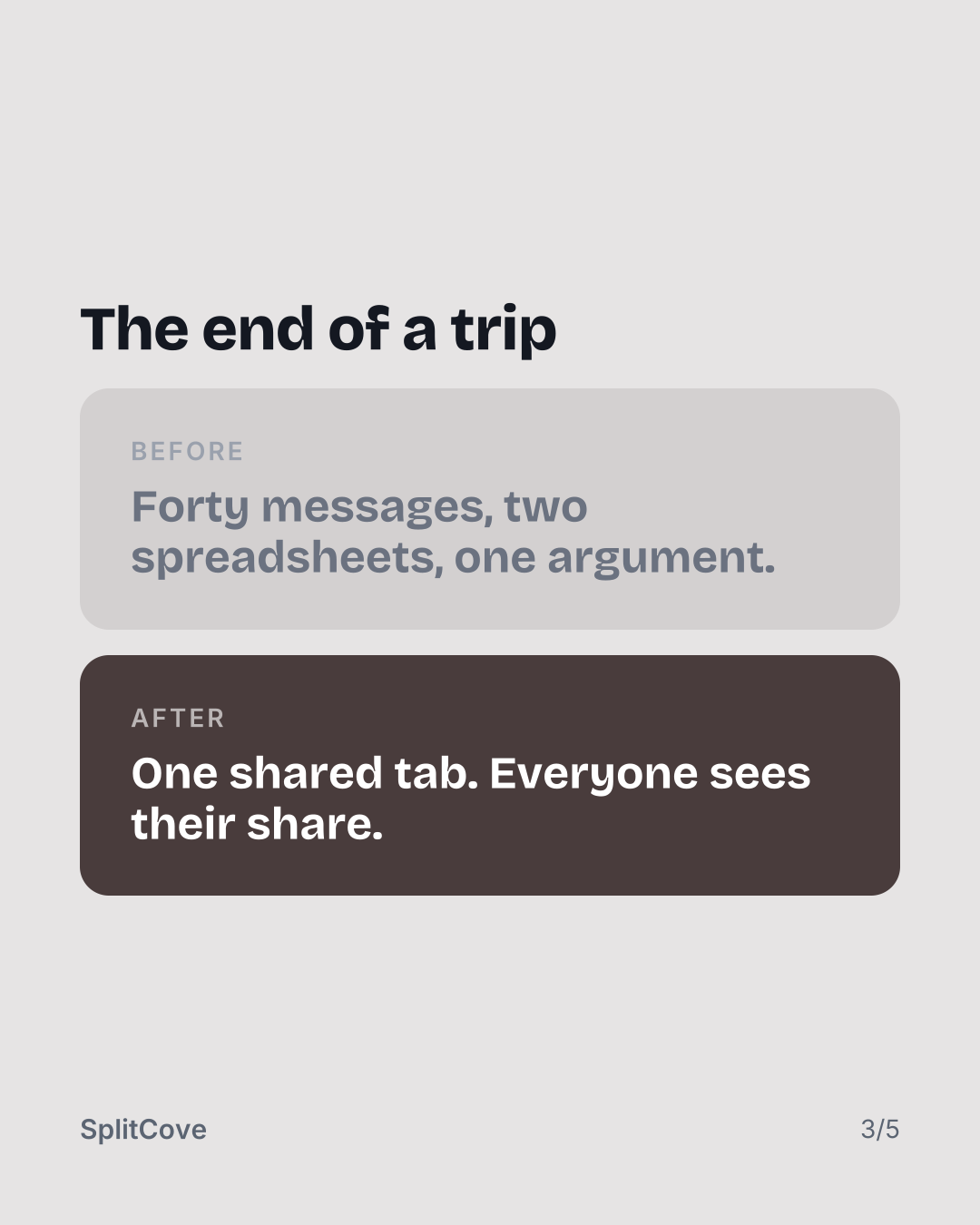
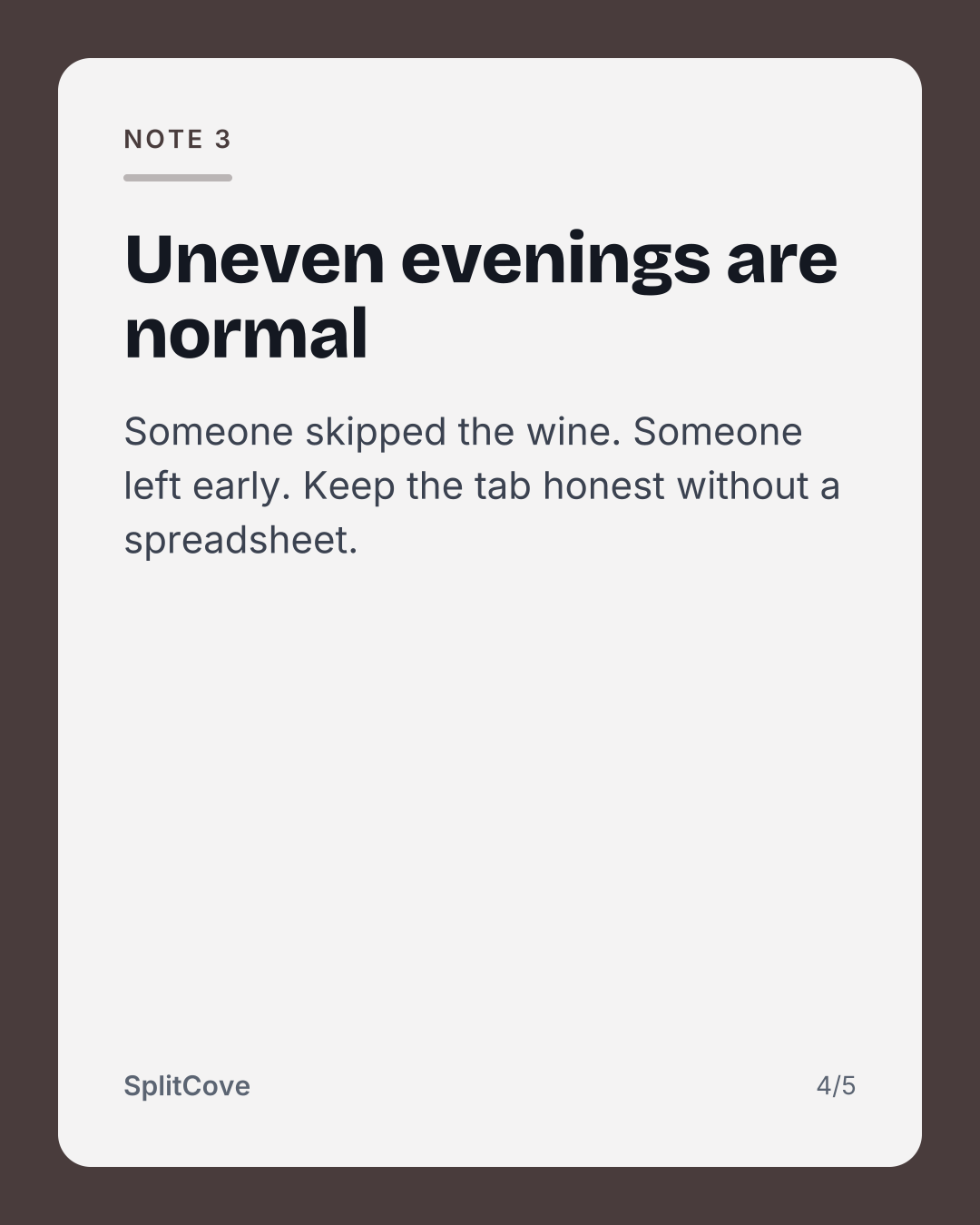
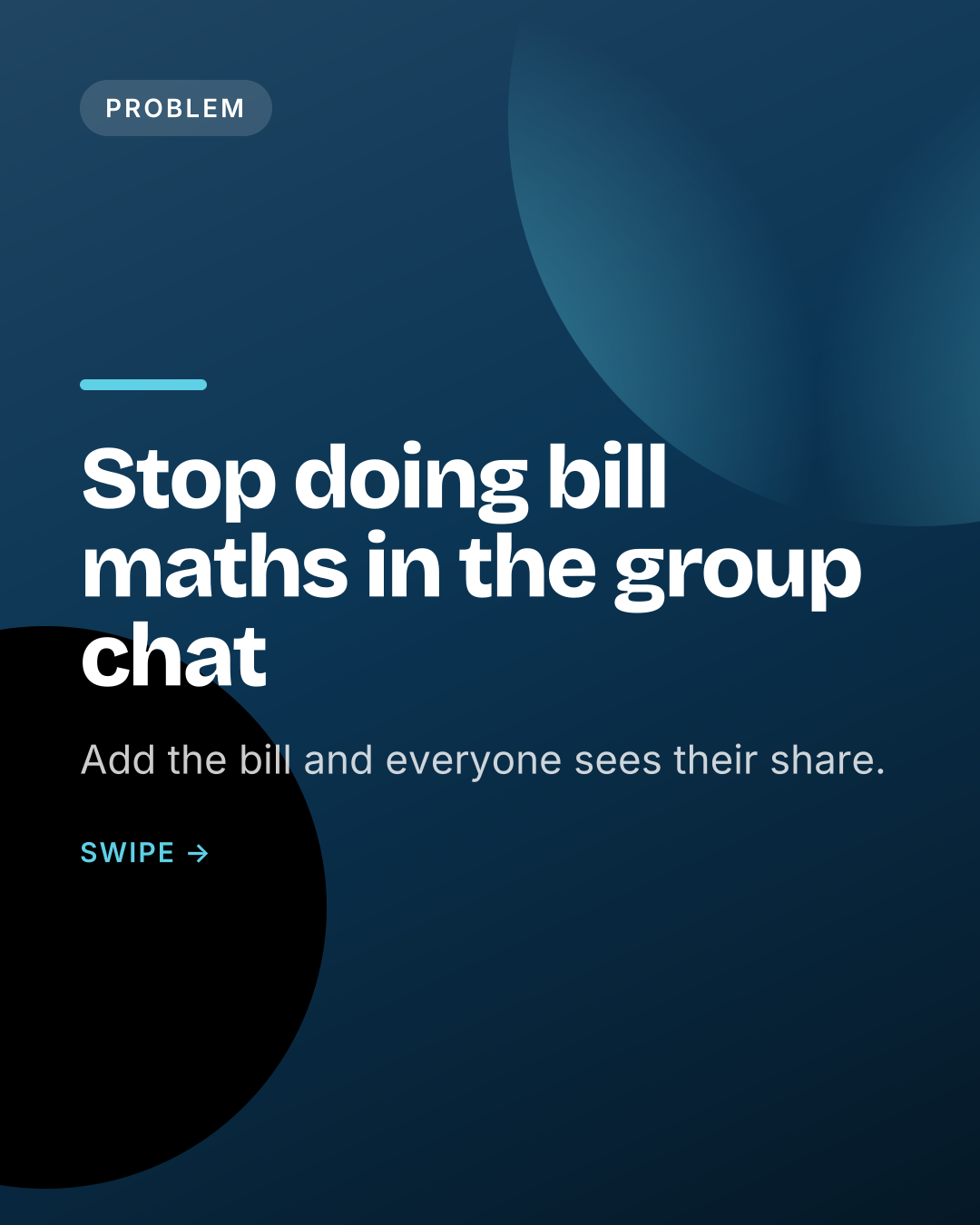
The slides below use SplitCove, our own app for splitting bills with friends, as the example. Yours use your app's name, icon and screenshots.
Built from your app icon. The default.
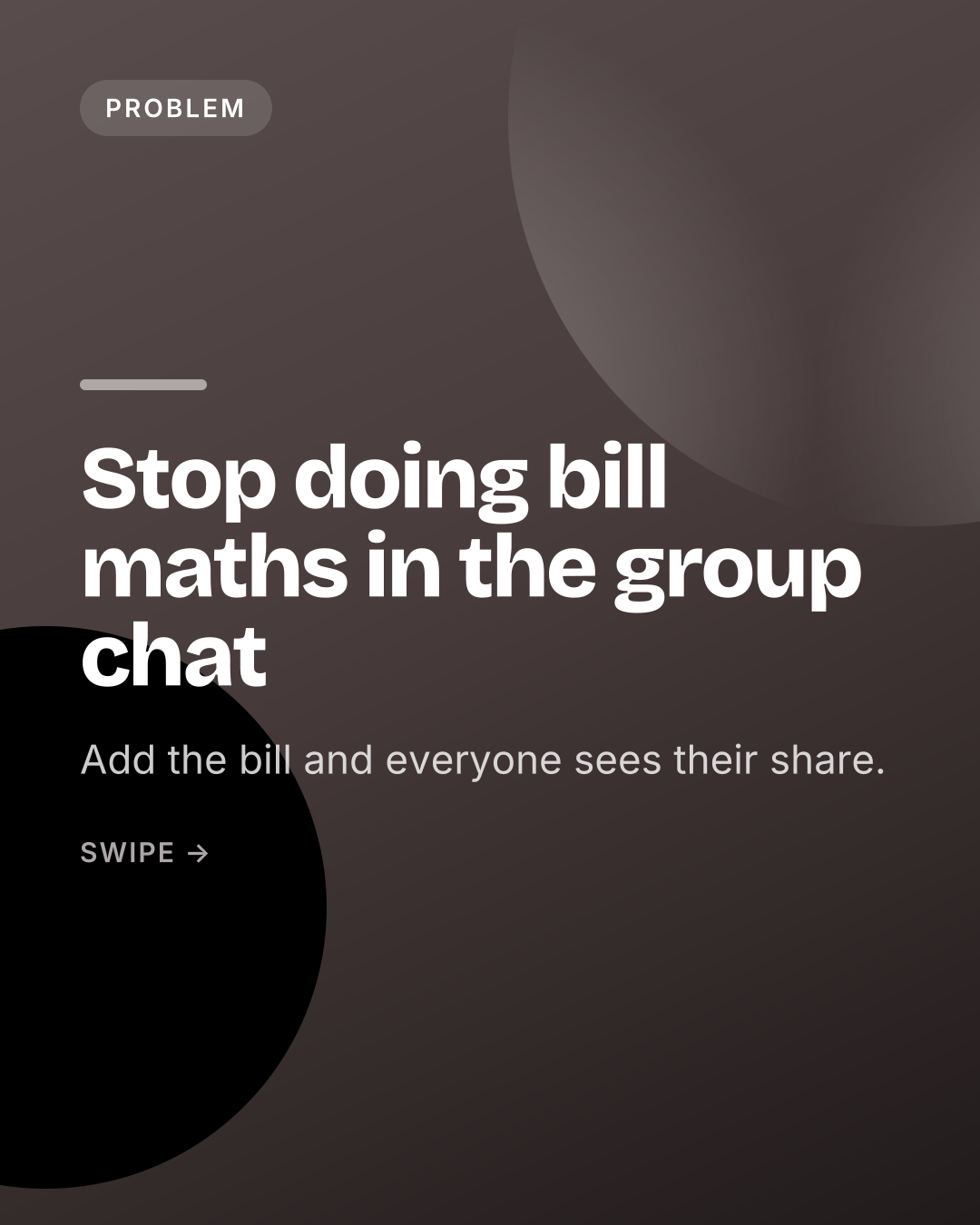
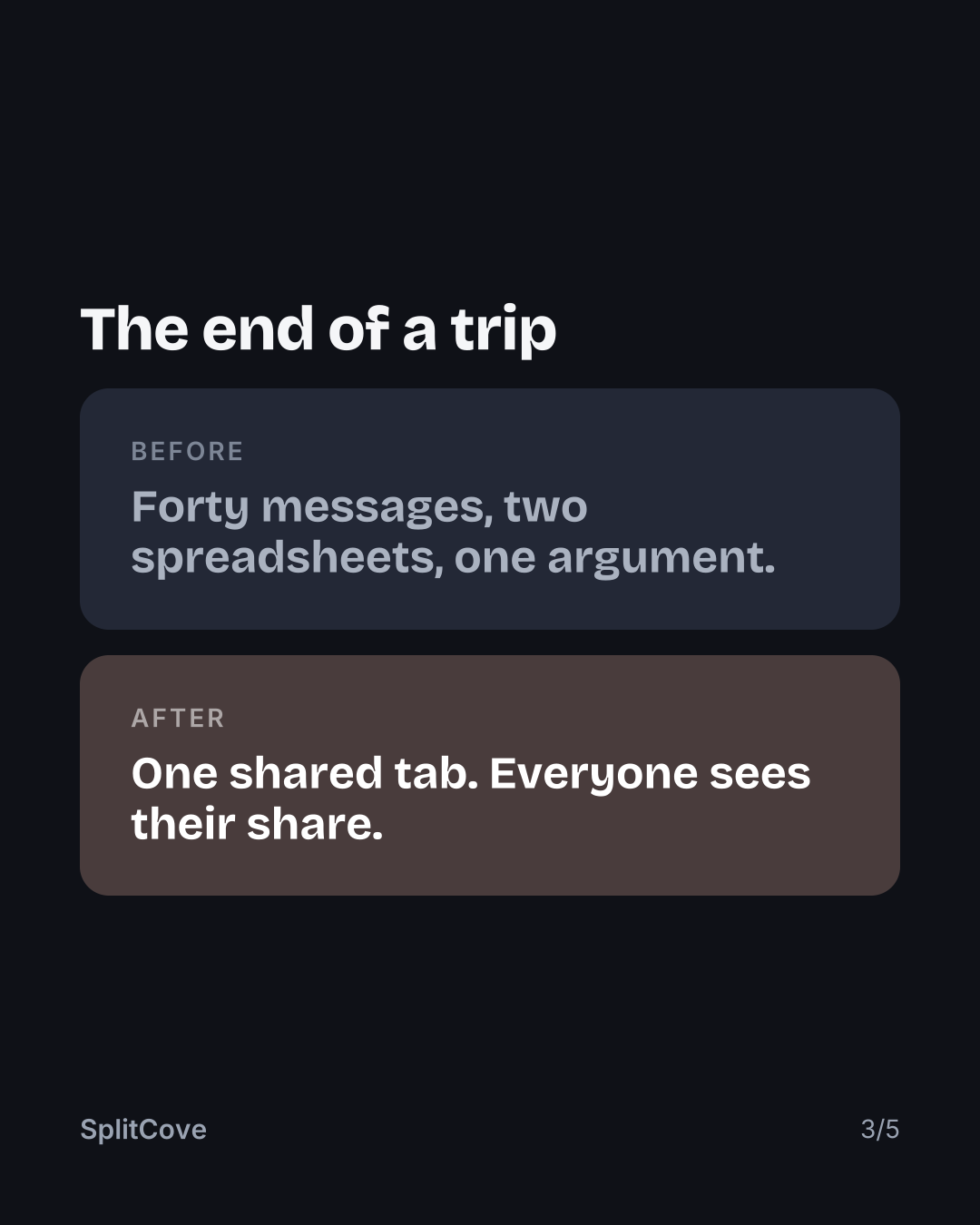
Dark pages, your colour on the covers.
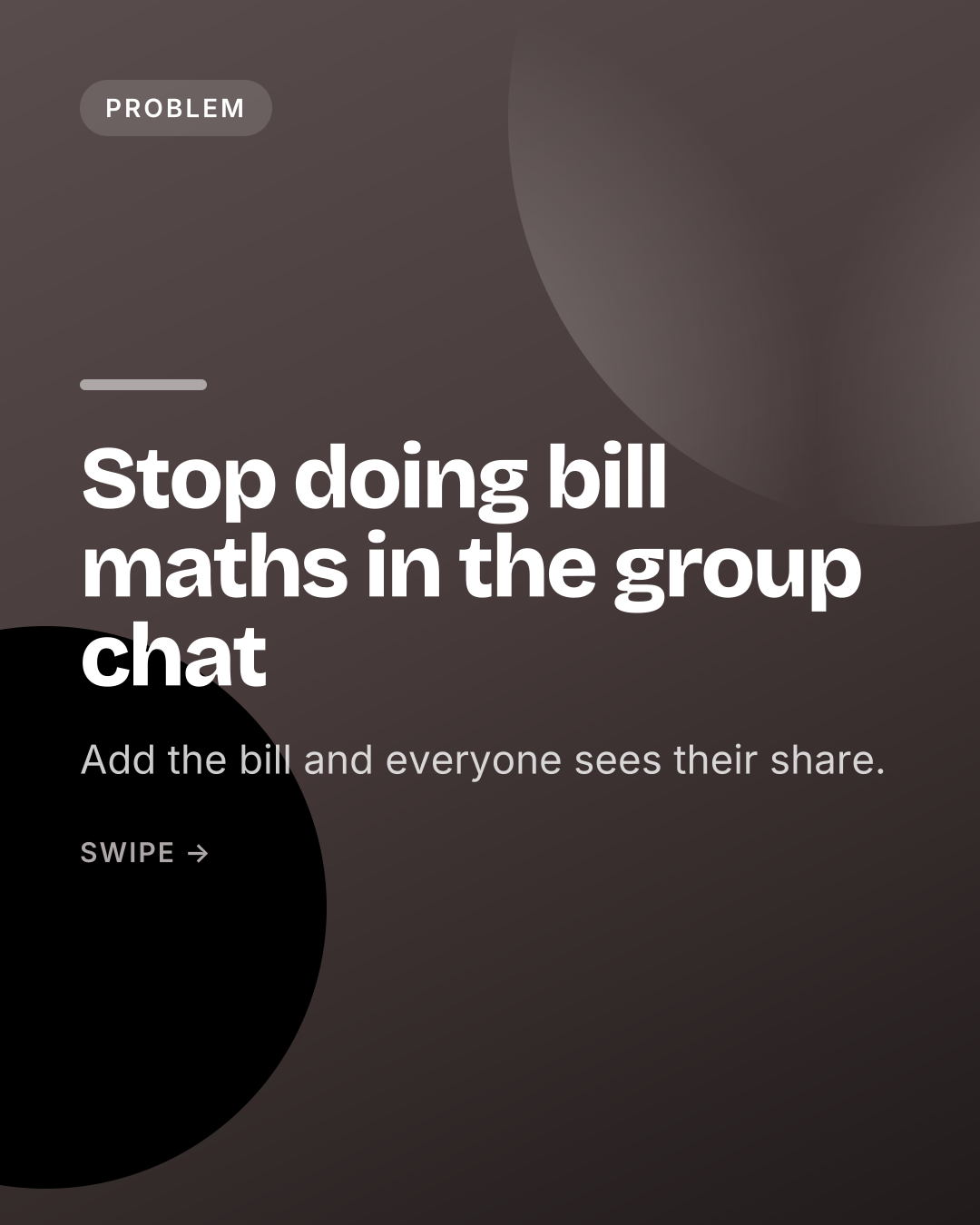
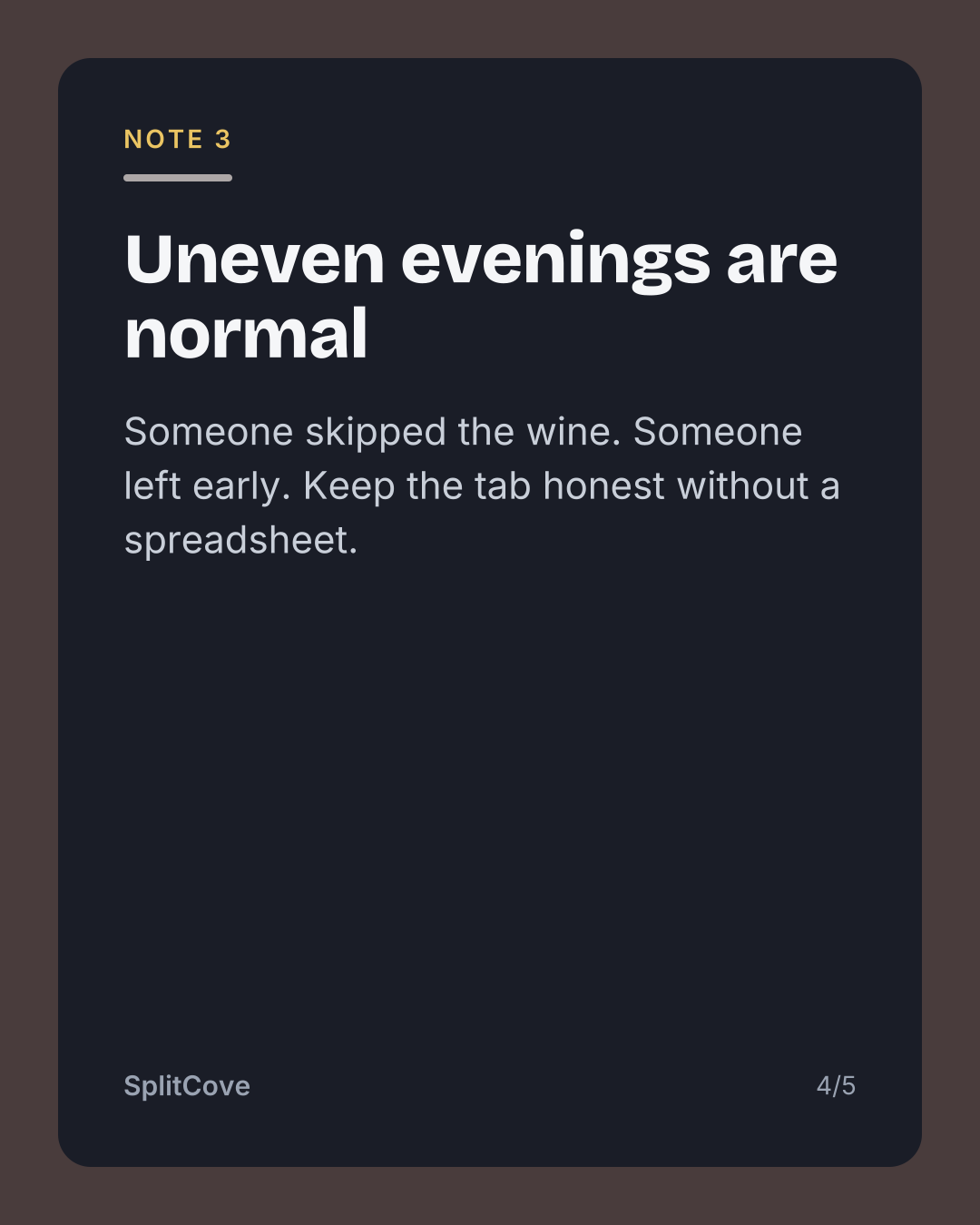
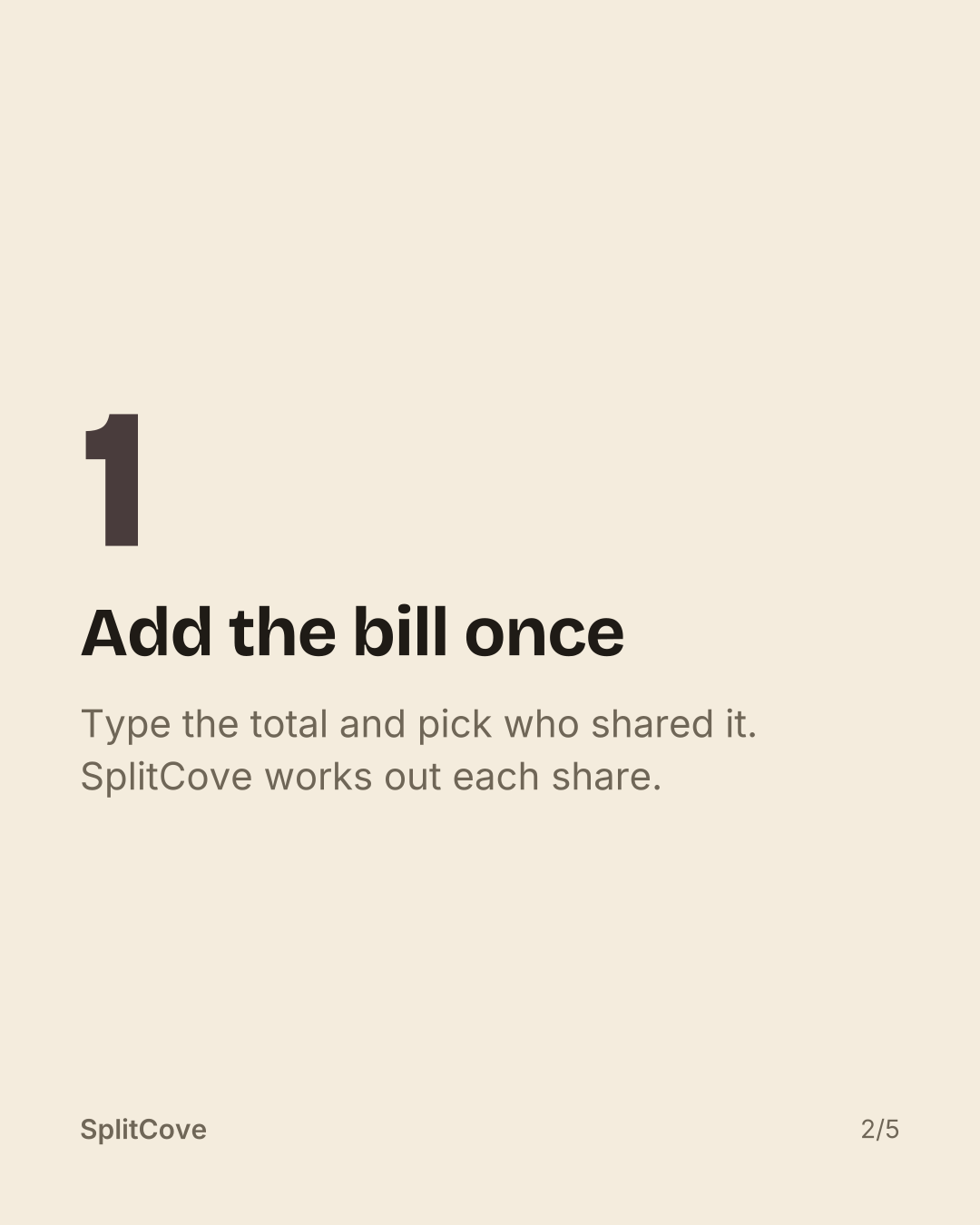
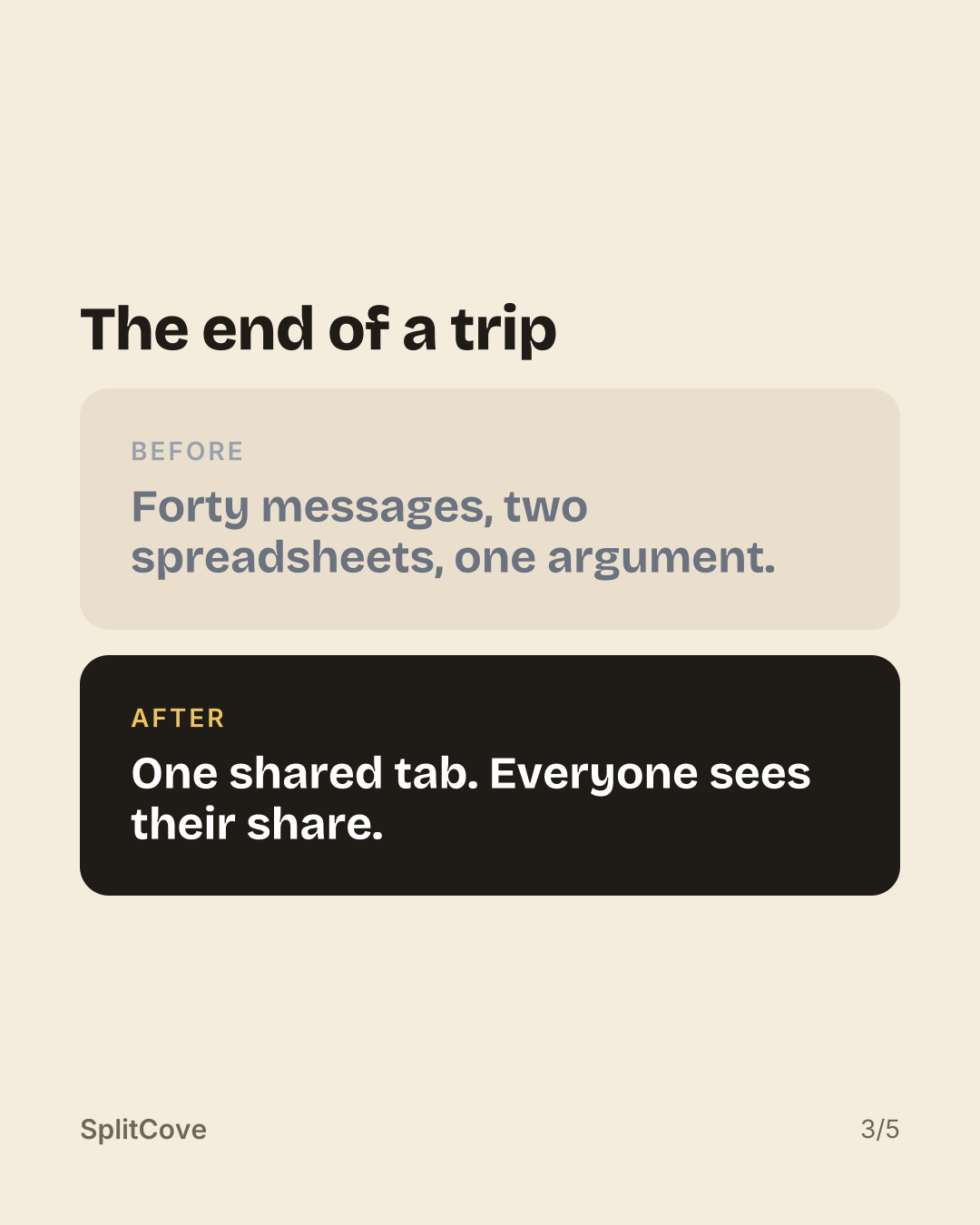
Warm paper, near-black covers, your colour as the accent.
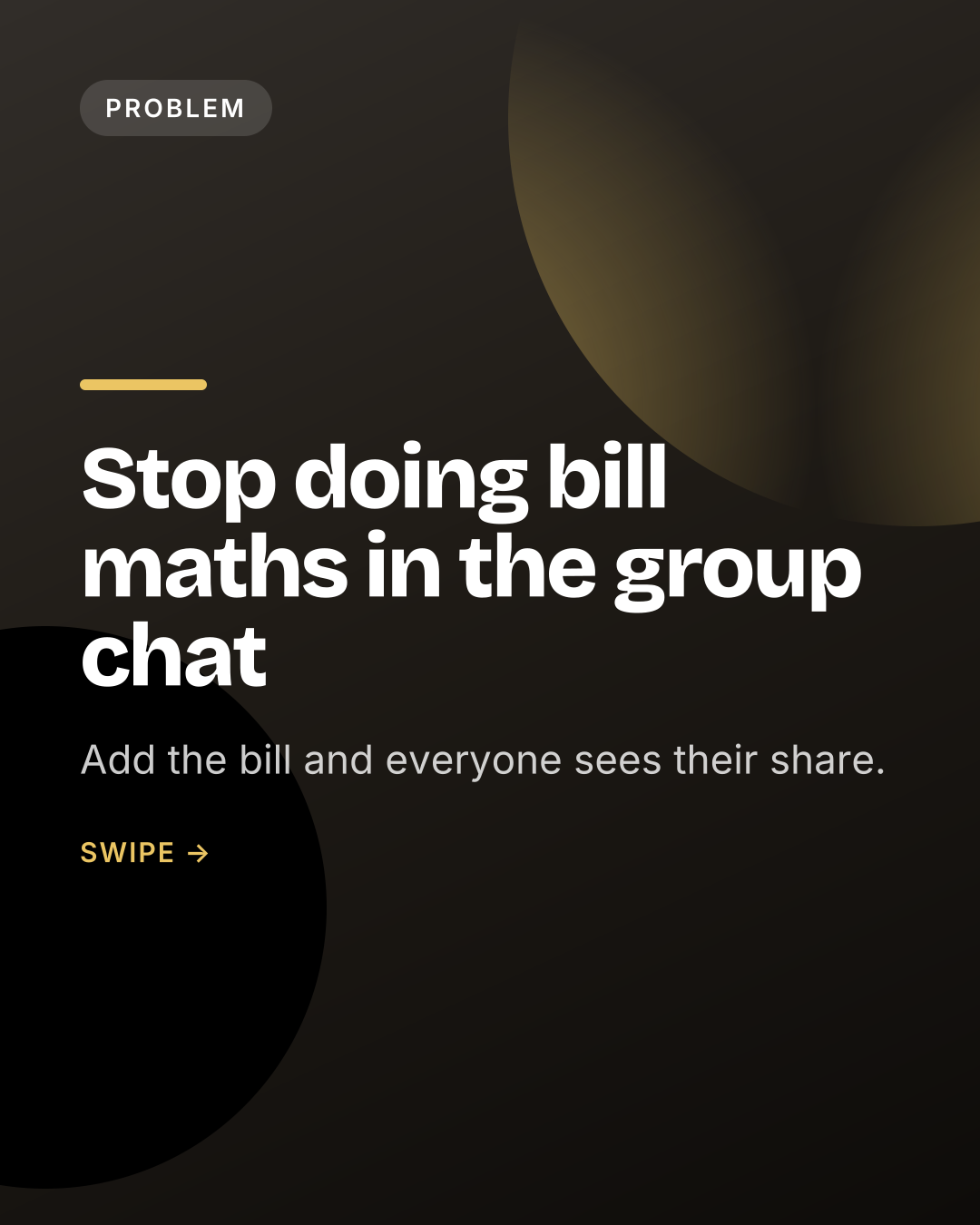
Black and white, one spot of your colour.
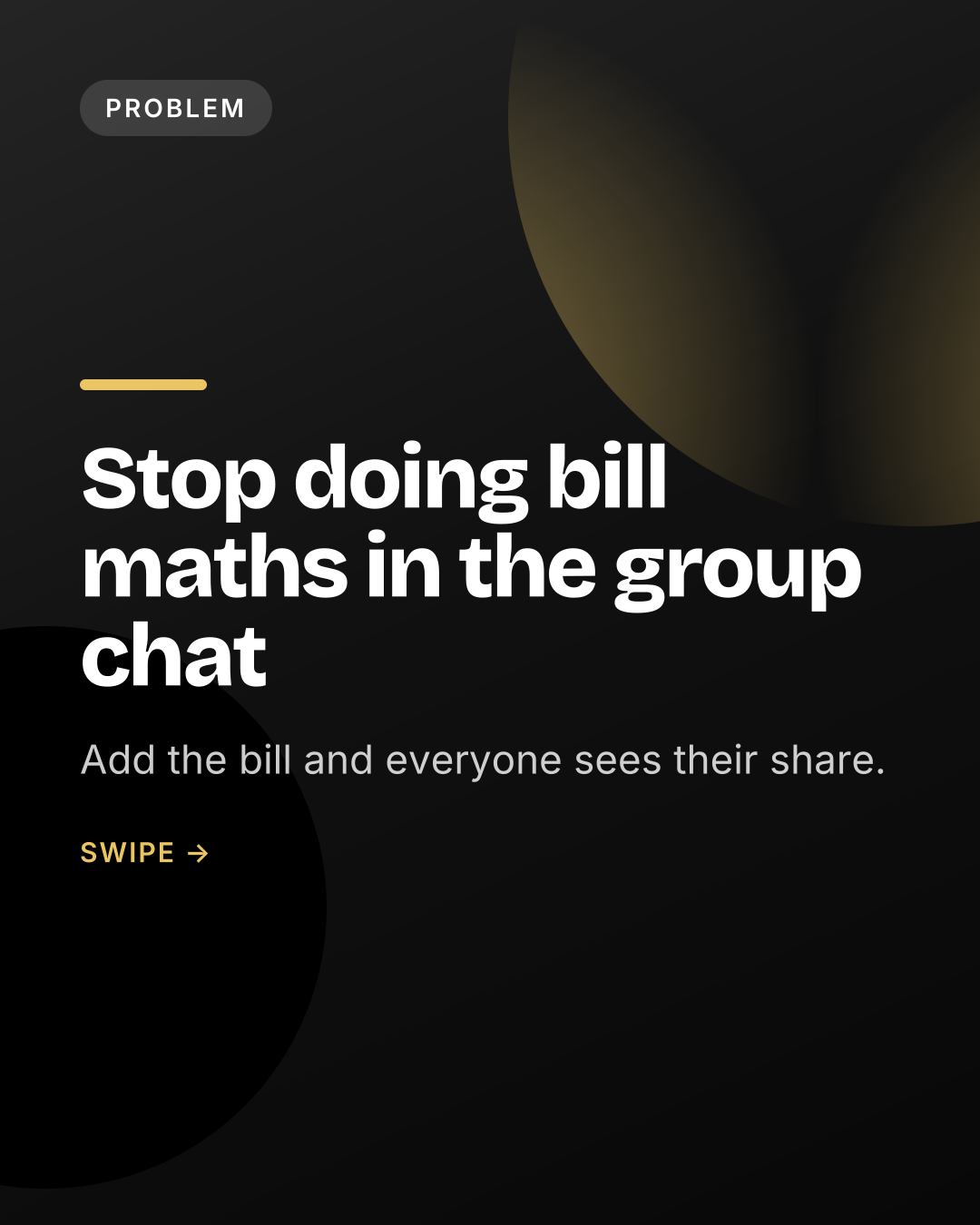
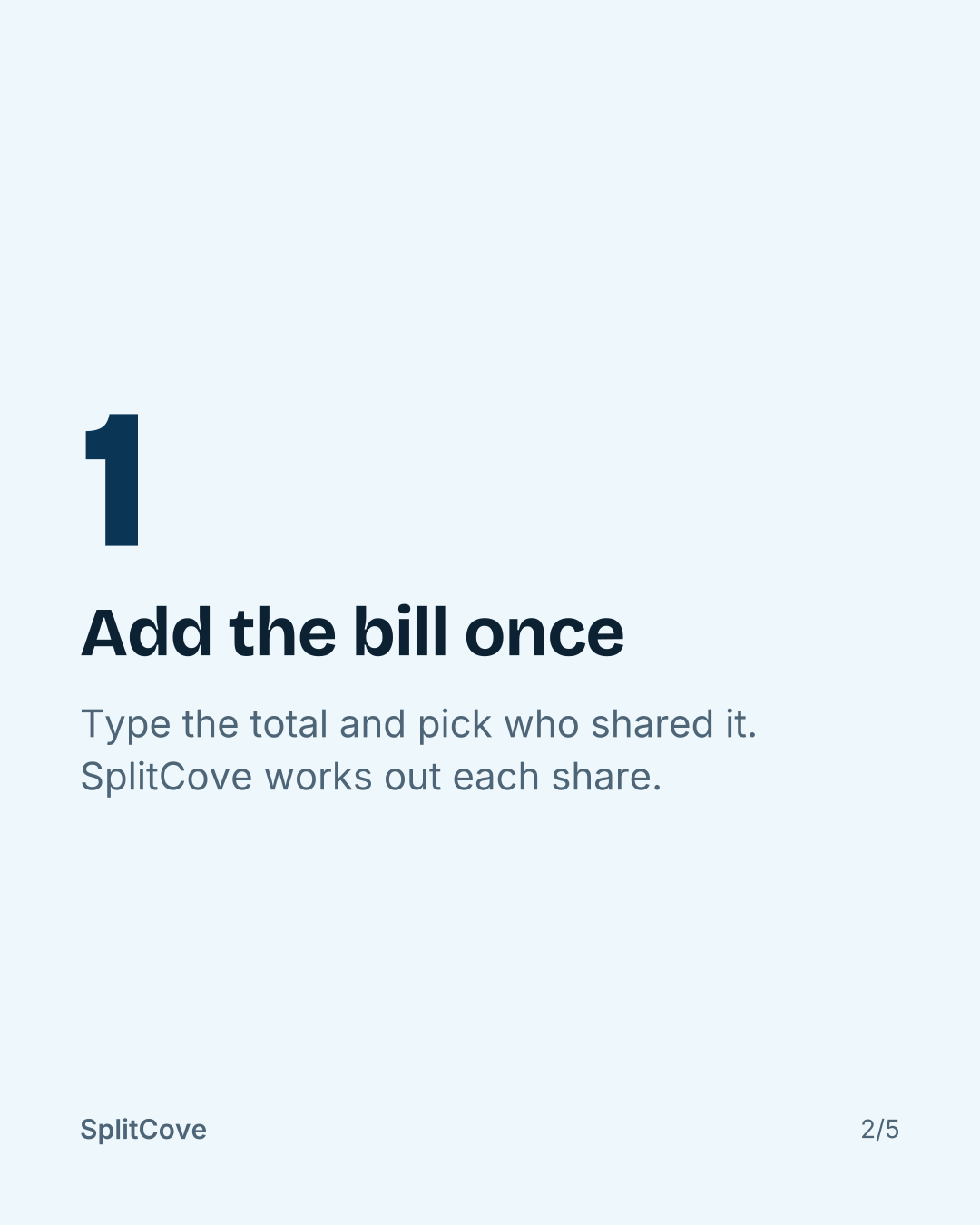
A soft tint of your colour behind every slide.
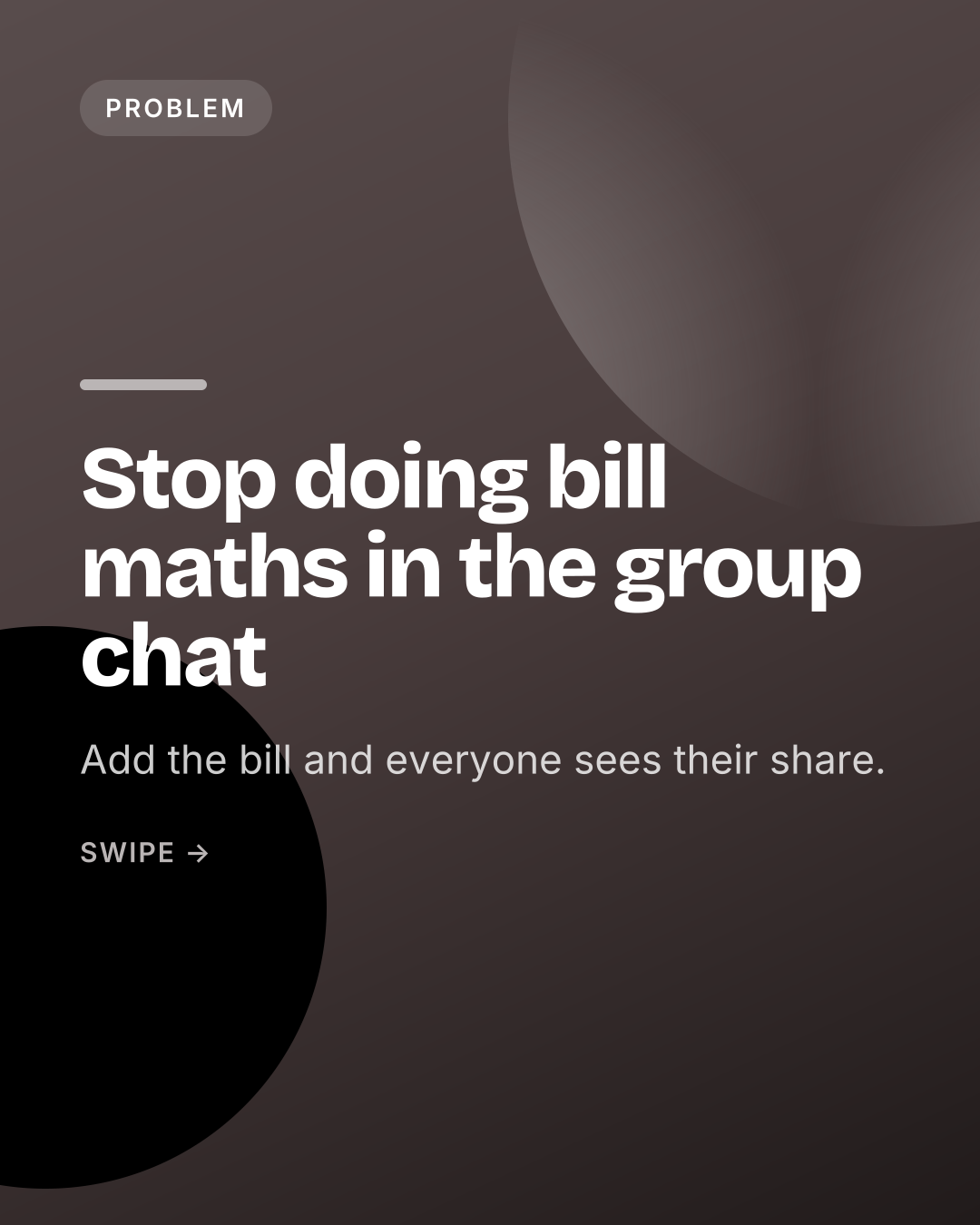
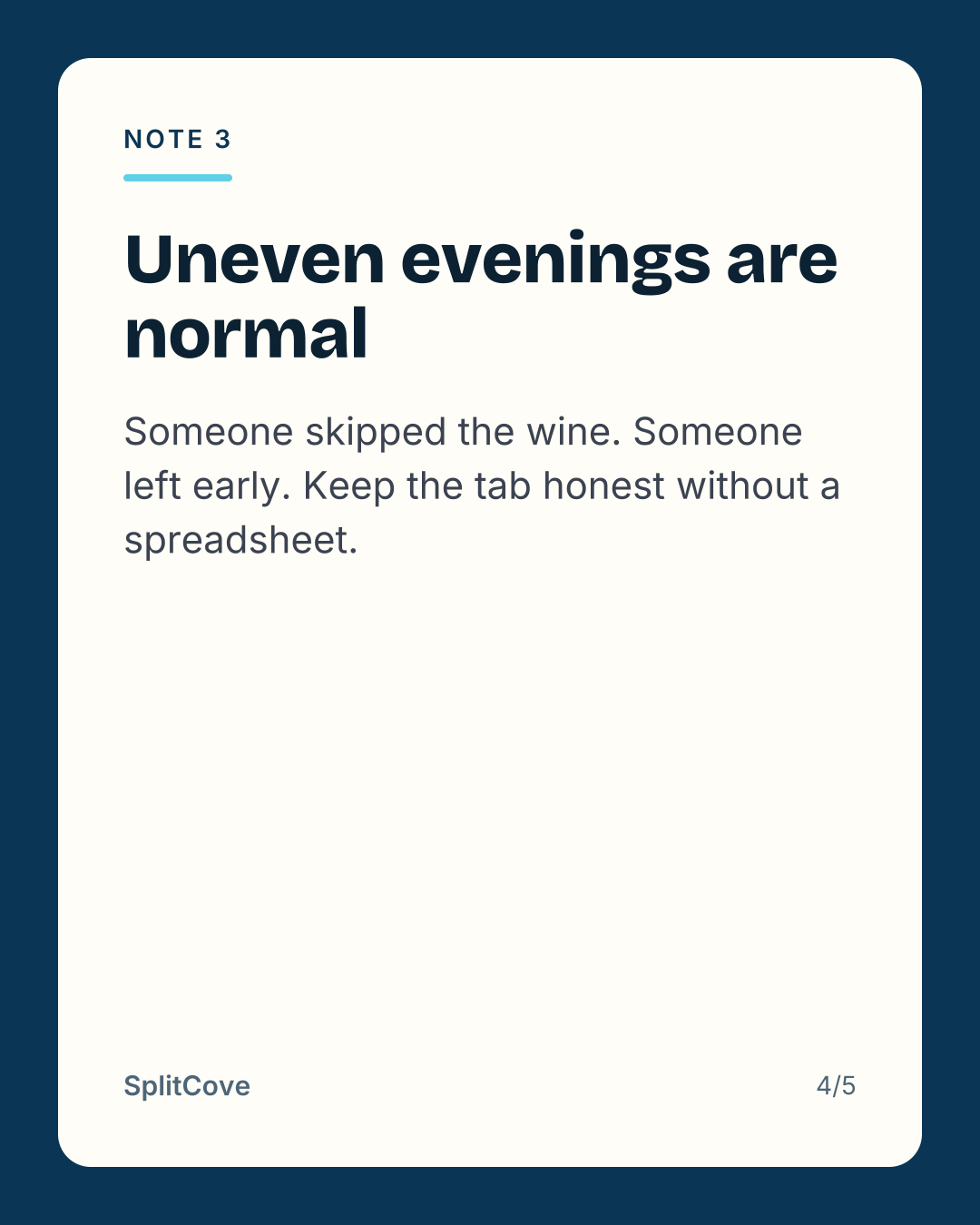
Deep blue with a bright aqua accent.
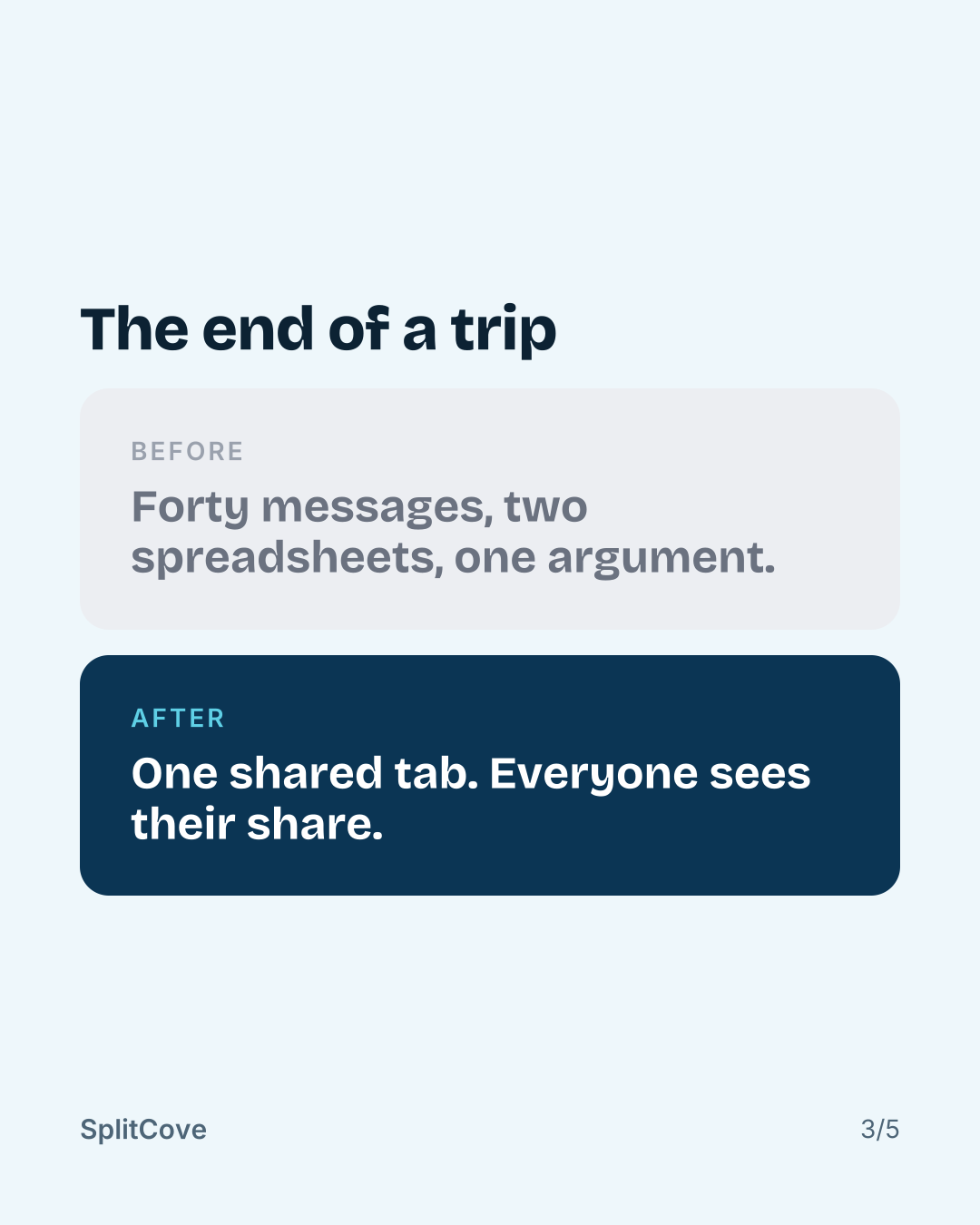
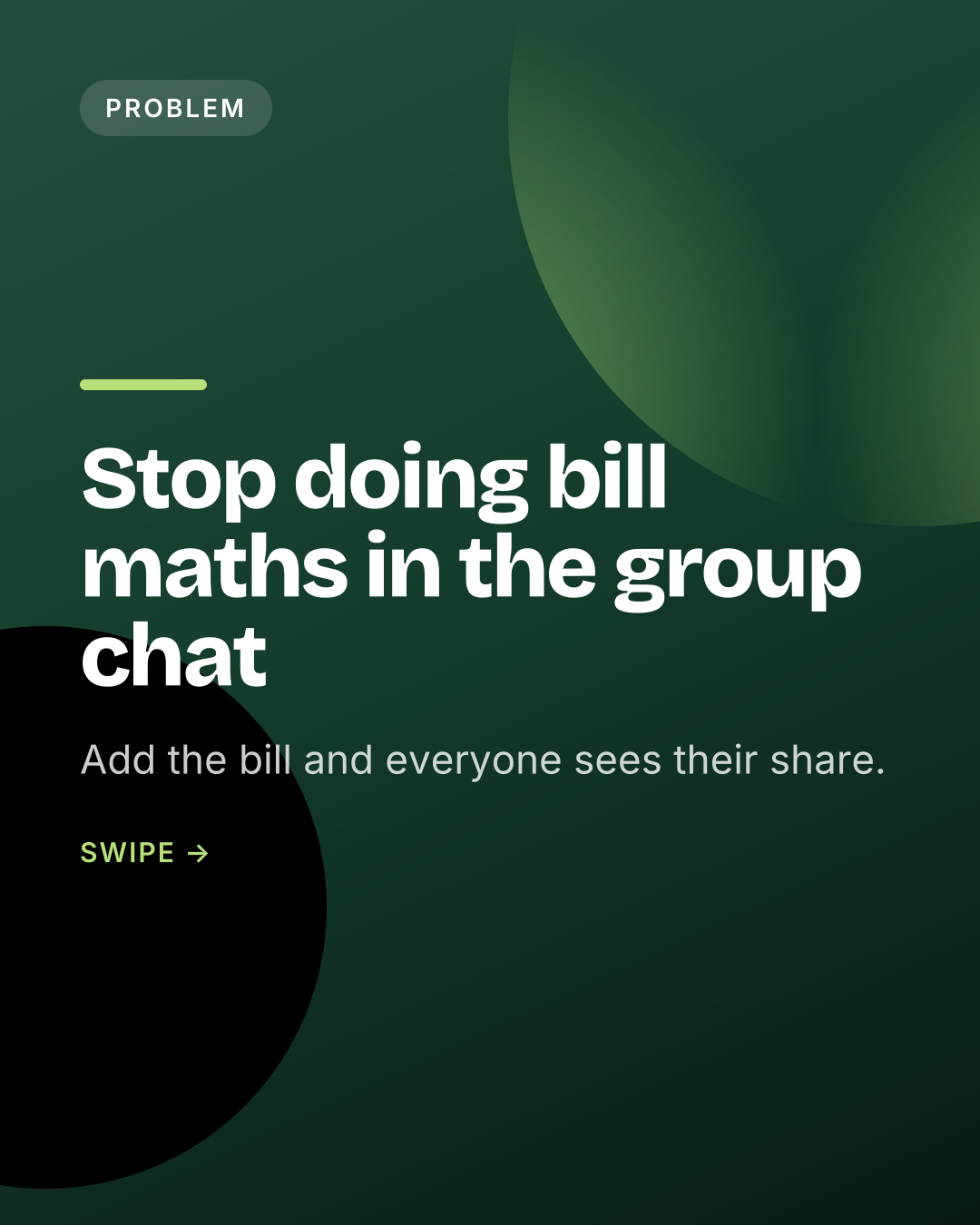
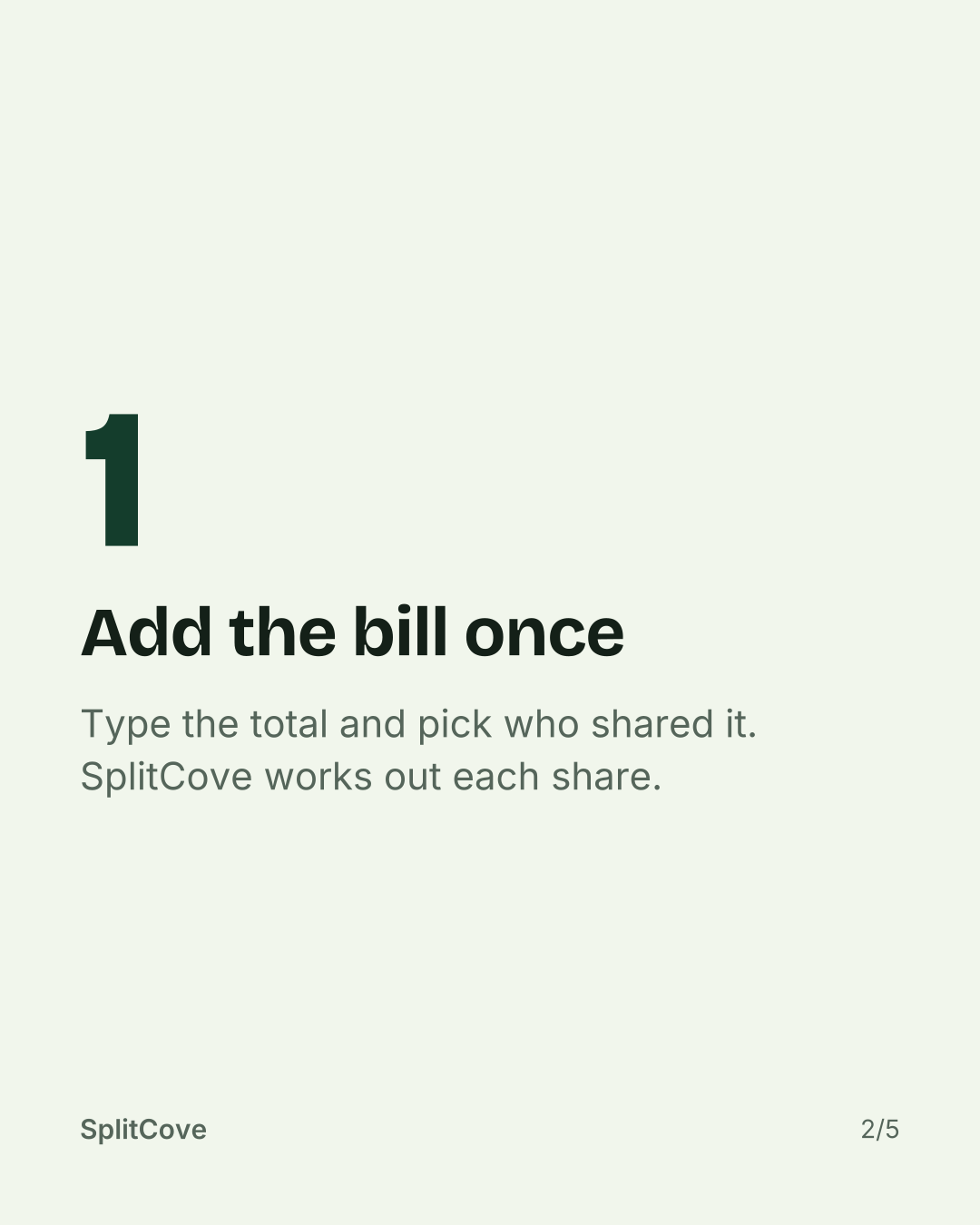
Dark green with a lime accent.
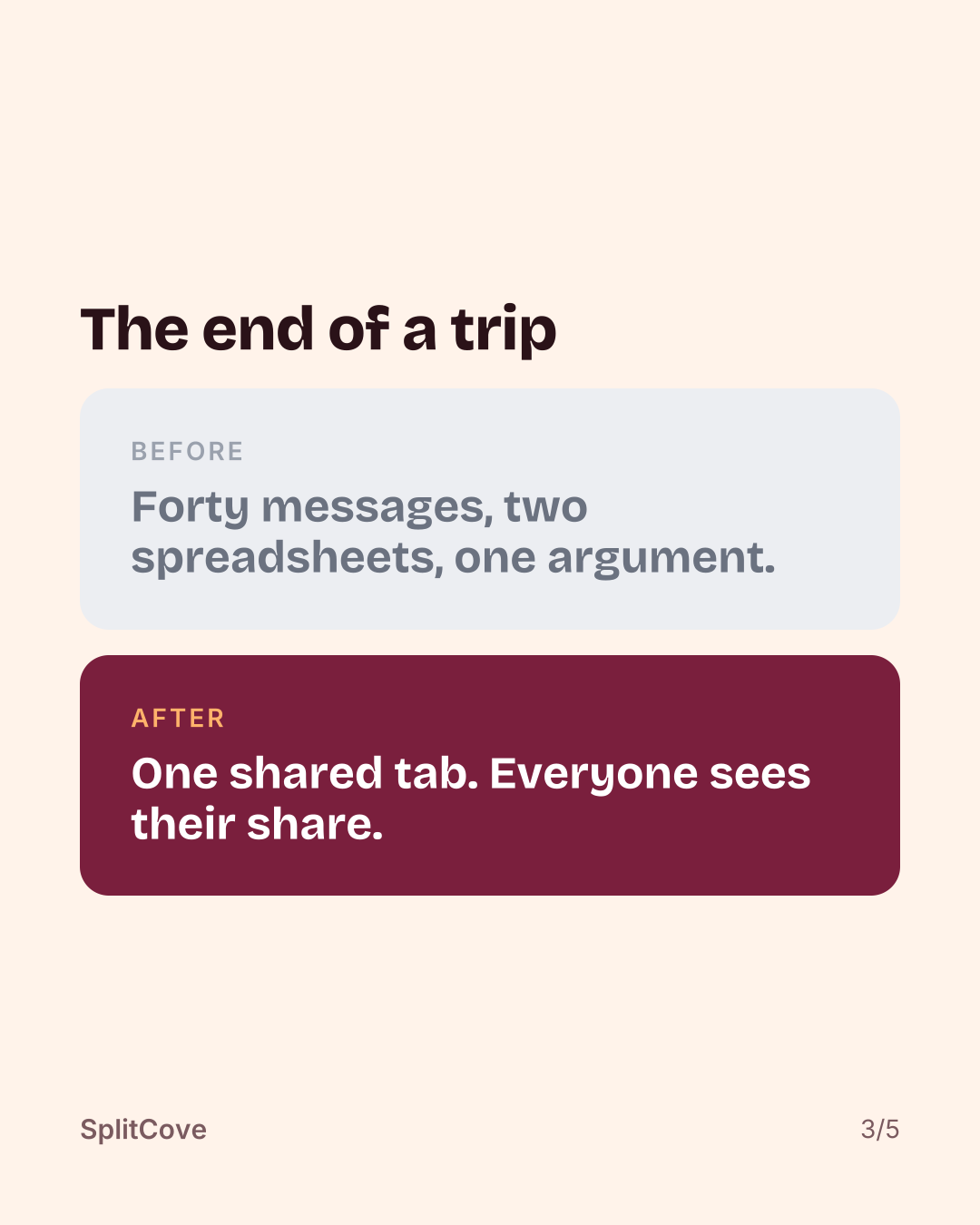
Wine red with a warm orange accent.
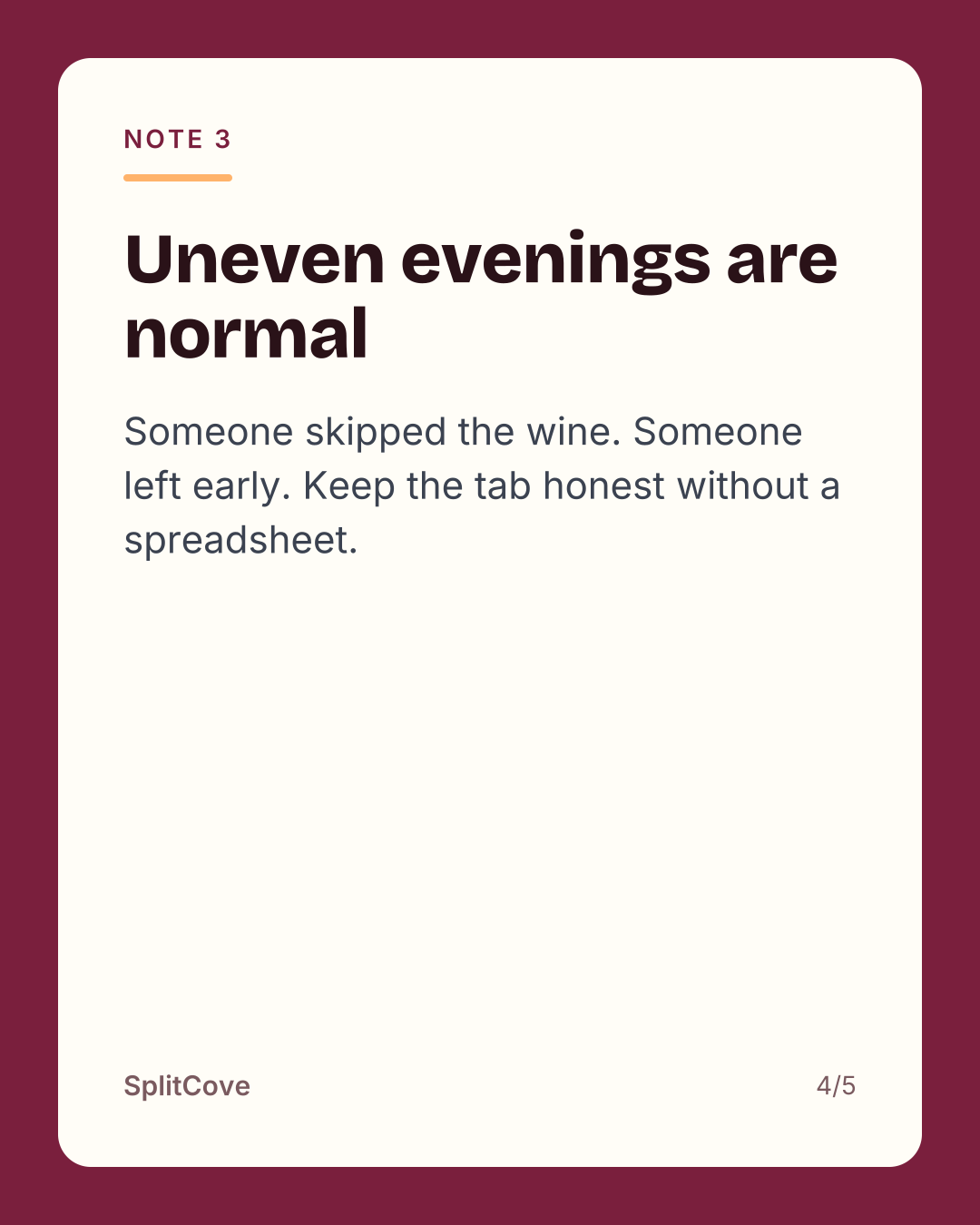
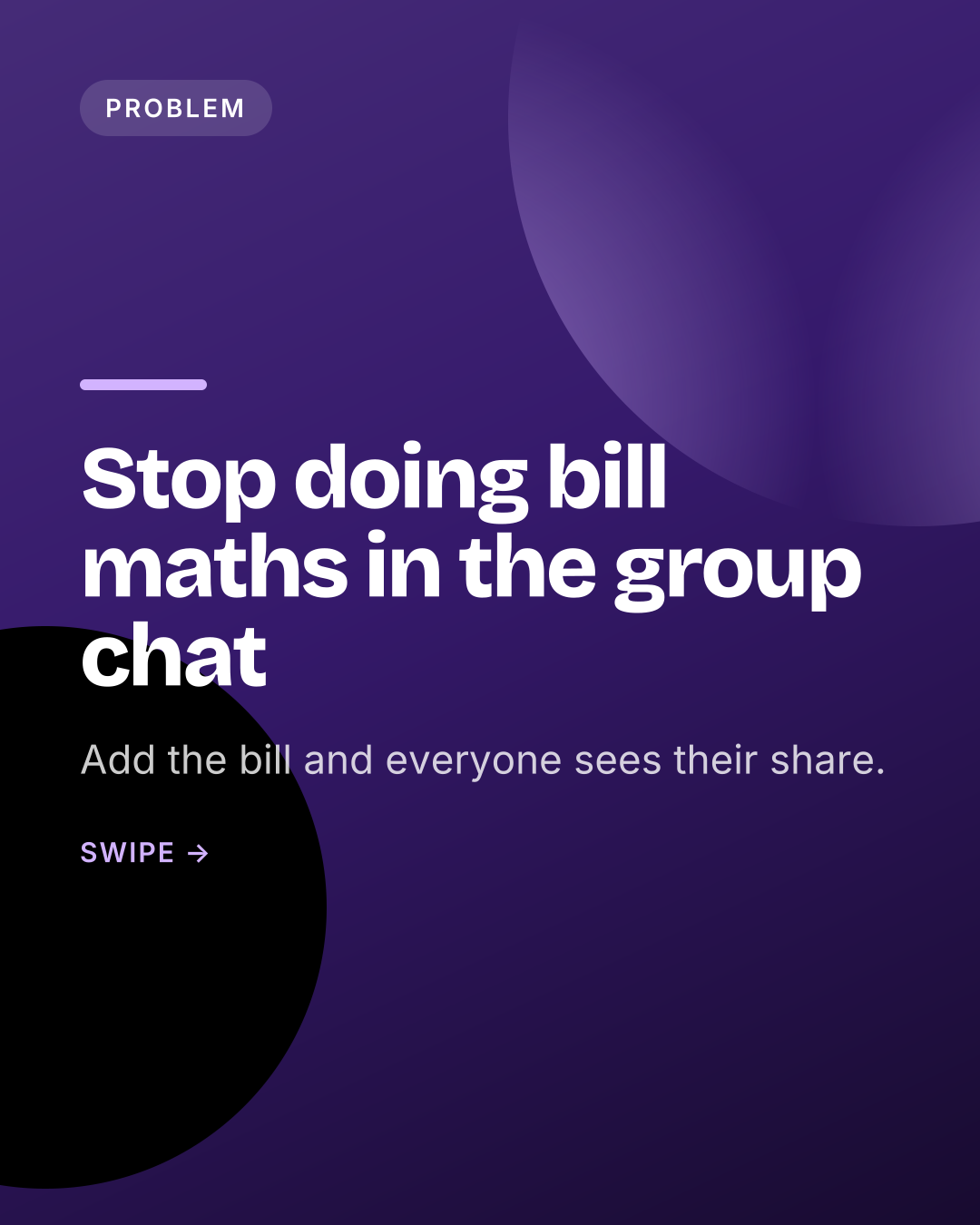
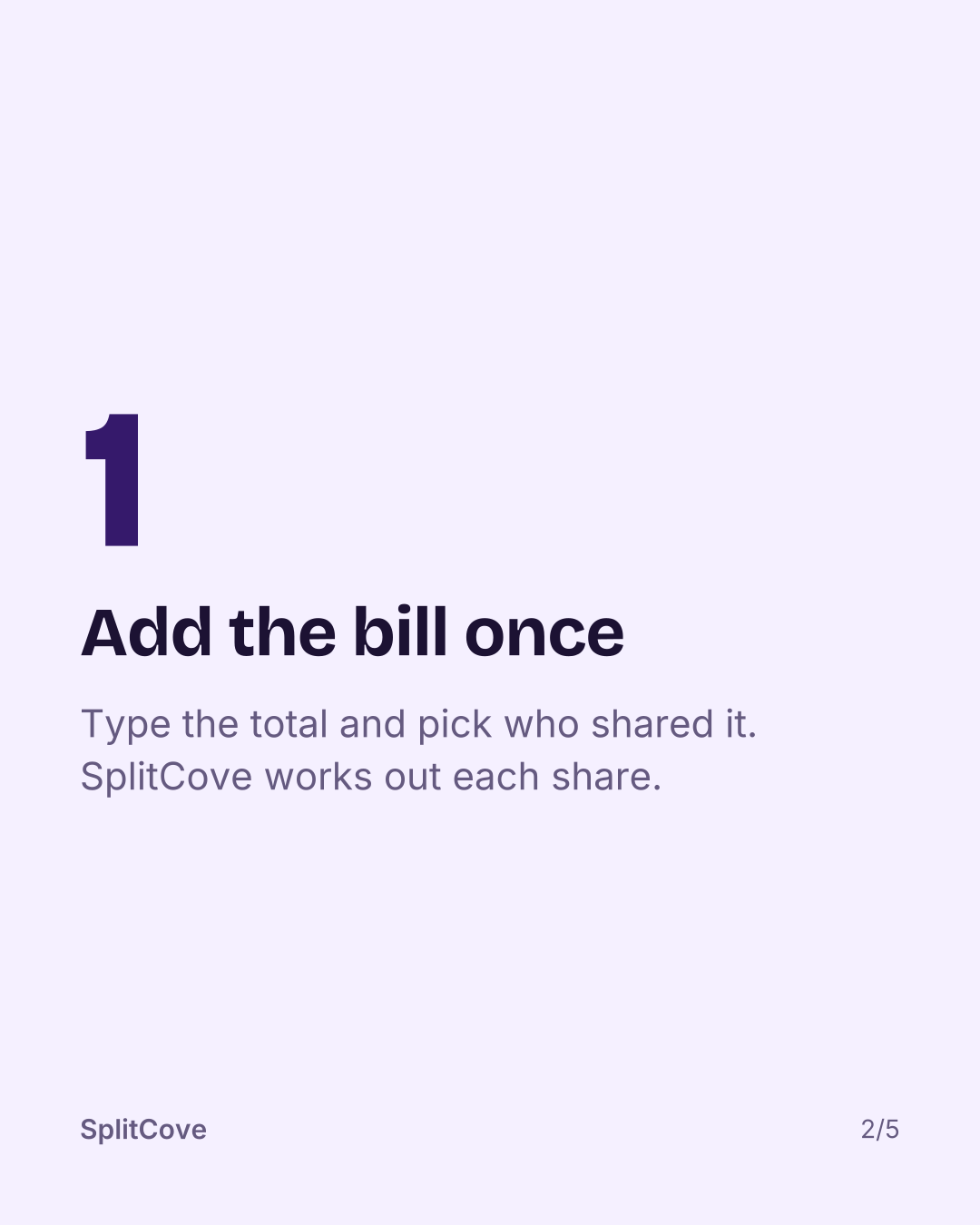
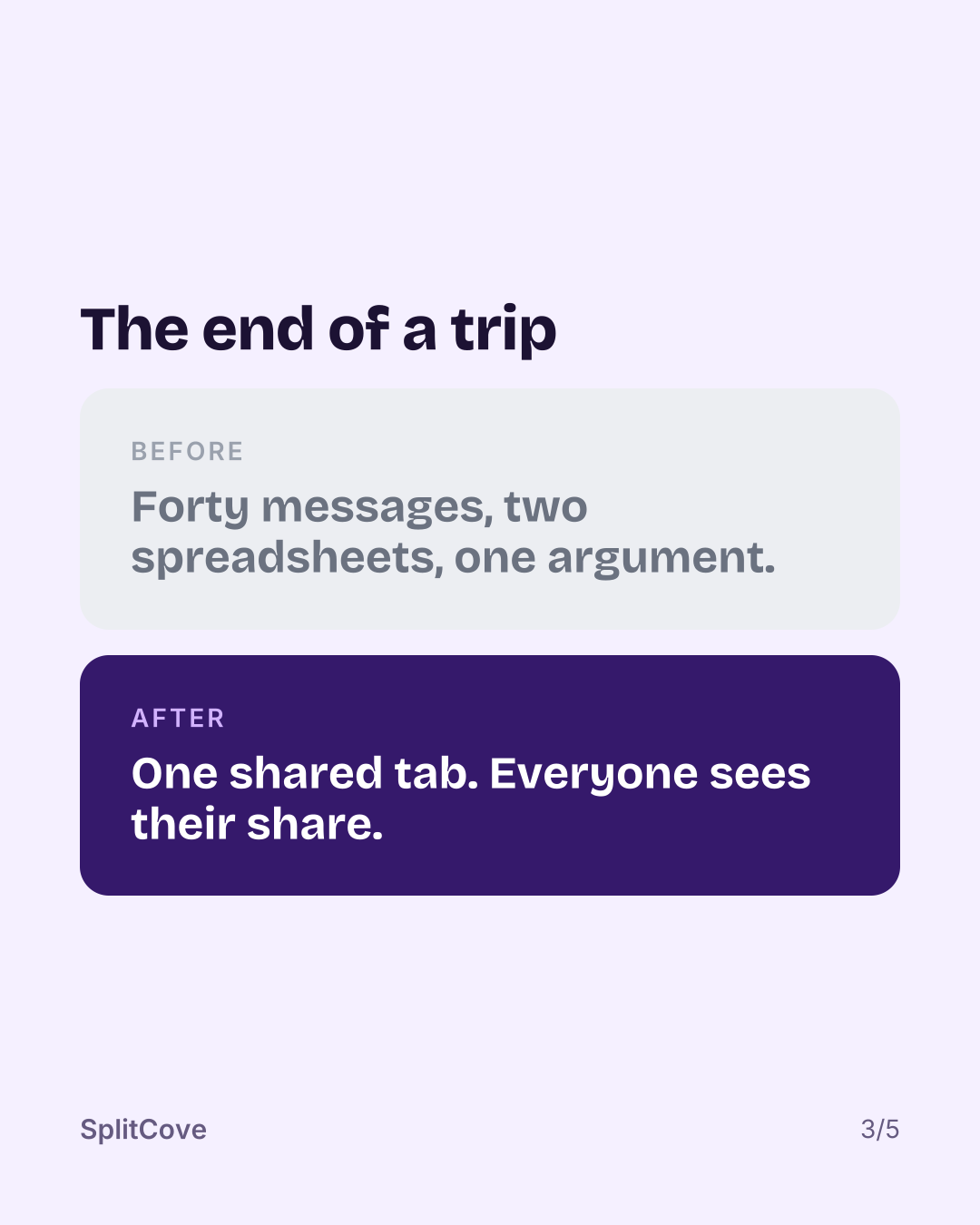
Deep purple with a lilac accent.
Dark pages with a burnt orange cover.
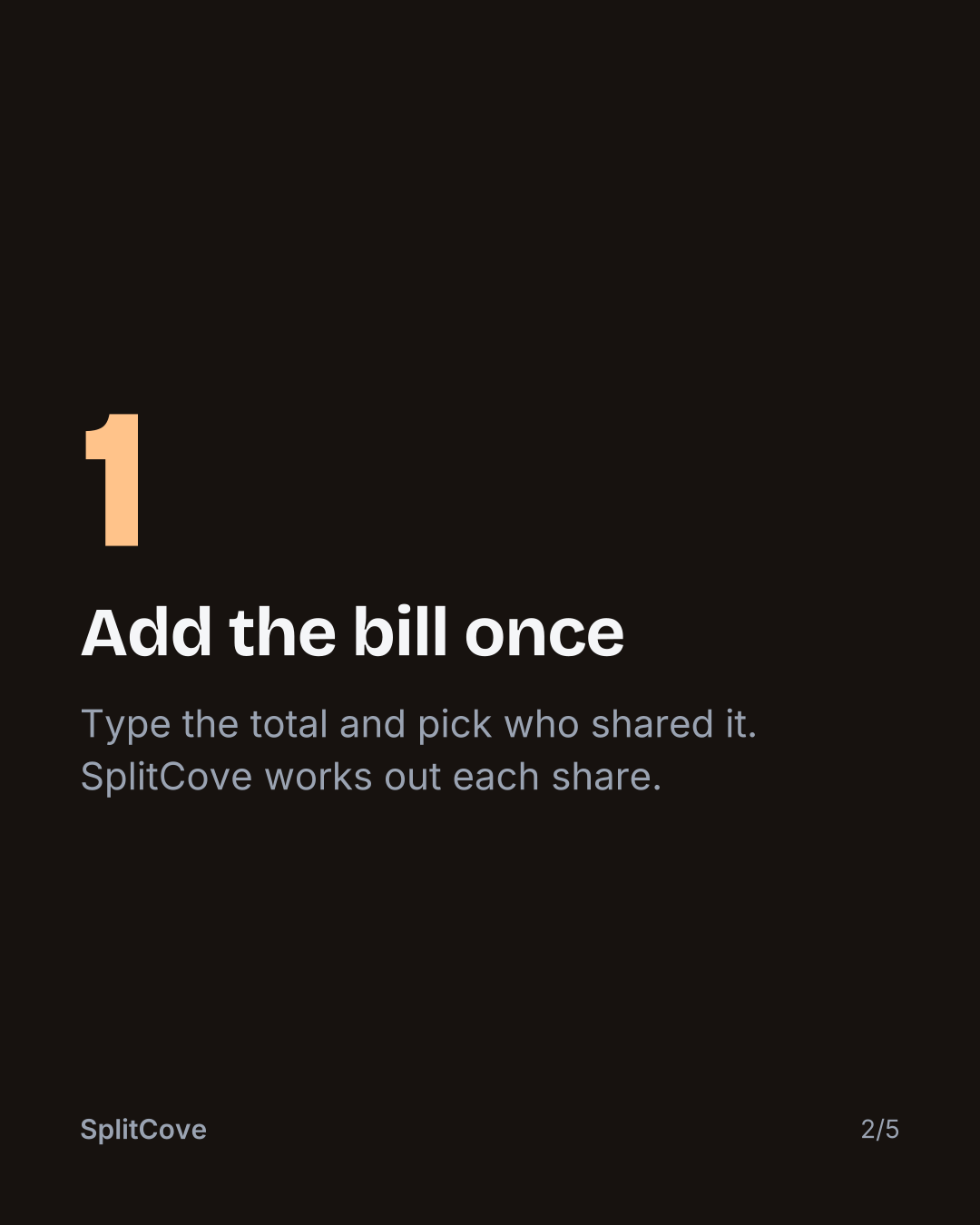
A look is the colour treatment laid over your slides. The words, the layout and your screenshots stay the same. Only the paper, the covers and the accents change.
Your colours, Midnight, Cream, Mono and Pastel all start from the colours in your app icon. Ocean, Forest, Sunset, Grape and Ember bring their own palette.
Yes. Pick another look in your brand kit and every slide redraws in it, old posts included. Nothing is rewritten.
No. Every look is in every plan, the free account included.
Yes. The brand kit lets you set the primary and accent colours by hand. The looks that start from your colours follow them.
Throw in a URL. Your score, your first posts and your first reel script are ready in about a minute.